About Free YouTube to WAV Downloader
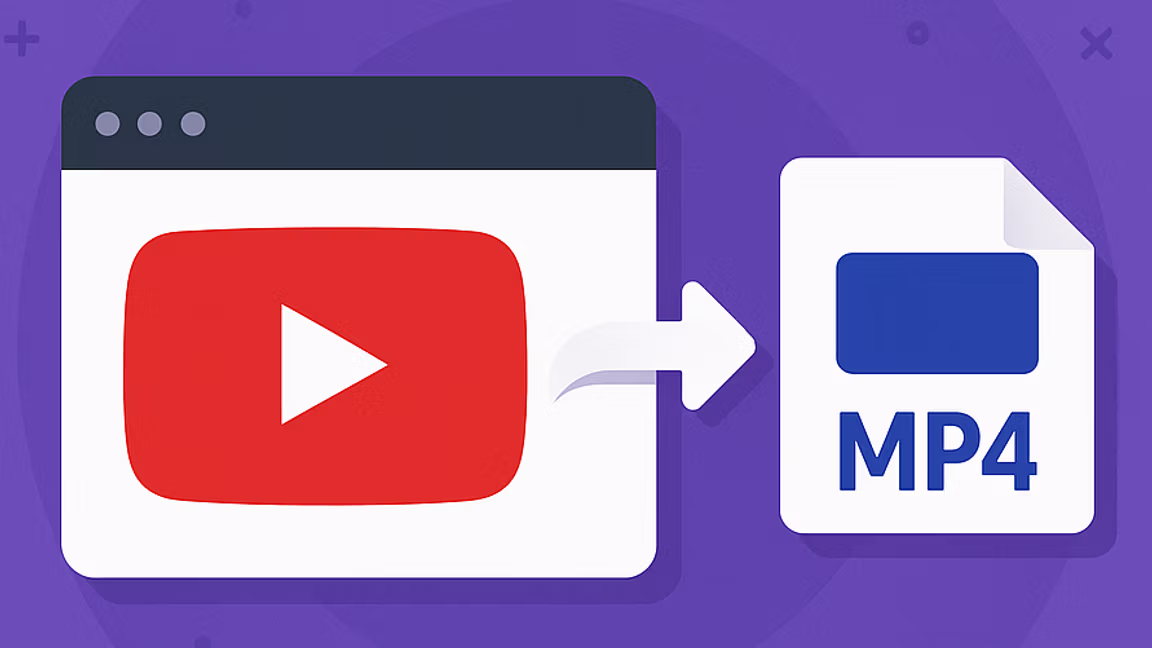
WAV is the format that audio professionals reach for when quality matters more than file size. Whisper Web's free YouTube to WAV converter exists so pulling a clean WAV audio file out of a YouTube video is as simple as pasting a link. No signup, no installer, no watermark, no queue. Every YouTube to WAV download runs entirely in your browser.
Unlike MP3, which compresses audio aggressively, WAV is an uncompressed PCM container — no lossy re-encoding once you download it from YouTube. A 44.1 kHz / 16-bit stereo WAV is a bit-for-bit copy of the YouTube audio stream you're given, ready to drop into a DAW without another round of generation loss. That makes YouTube to WAV the right pick when you plan to edit, remix, master, transcribe, or archive the YouTube audio — situations where a second MP3 encode would accumulate artefacts.
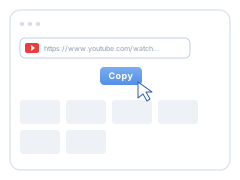
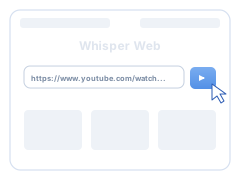
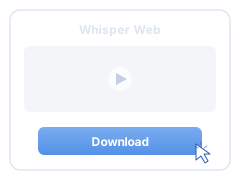
The workflow is three steps. Copy the YouTube video URL from the browser address bar or the Share button. Paste it into the field above and hit Download. When the list of available WAV audio streams loads, pick the quality you want and the WAV file downloads straight to your device. No account, no software install, no extension.
About YouTube's source audio: YouTube itself serves already-compressed audio (typically AAC 128-256 kbps inside the MP4 container). Converting to WAV doesn't magically recover quality that was discarded on upload — the WAV will only be as good as YouTube's source. What WAV does give you is a format that won't lose any more quality when you edit, cut, or re-export it. If you need the true studio master, go to the creator or music label; if you want a clean, DAW-ready working copy of YouTube audio, WAV is the right format.
Typical use cases for YouTube to WAV downloads: podcast editors pulling interview audio into their timeline without a second compression pass. Music producers sampling from live performances, interviews, or archival uploads. Transcribers and researchers feeding clean WAV audio into whisper, Otter, or their transcription tool of choice. Sound designers archiving reference audio for later use. Language learners building listening libraries. Accessibility workflows generating clean audio stems for subtitle and caption production.
Whisper Web's unique twist: once you've downloaded the WAV audio, drop it into your Whisper Web Dashboard and generate a free, accurate transcript in seconds. Every YouTube to WAV download becomes both an audio file you can edit and a searchable text file you can quote, subtitle, or translate. A lecture becomes study notes. A podcast becomes blog material. A music interview becomes pull-quotes for a press piece. The download gives you the audio; the transcription gives you the words.
Whether you're downloading a single high-quality YouTube WAV audio clip for a podcast edit, building a sample library from YouTube archives, or preparing YouTube audio for transcription, every YouTube to WAV download takes just a few clicks — and the transcript, if you want one, is one click more.