Convert MP3 to Text with AI
Turn MP3 recordings into editable text with Whisper Web. Transcribe in 98+ languages, listen back, and download your transcript. Start free in your browser with the audio to text converter—no signup required.
For longer recordings and cloud historyFor longer recordings and cloud historyExplore ProHow to convert MP3 to text?
-
Step 1
1. Upload your MP3 file
Choose or drop your MP3 file, or paste a public link that points directly to an audio file. Select the spoken language or use automatic detection before starting.
-
Step 2
2. Let our AI transcribe your MP3
Let AI turn your recording into text. Free transcription runs in your browser; Pro processes longer recordings in the cloud. Follow the progress while your transcript is prepared.
-
Step 3
3. Review and export your transcript
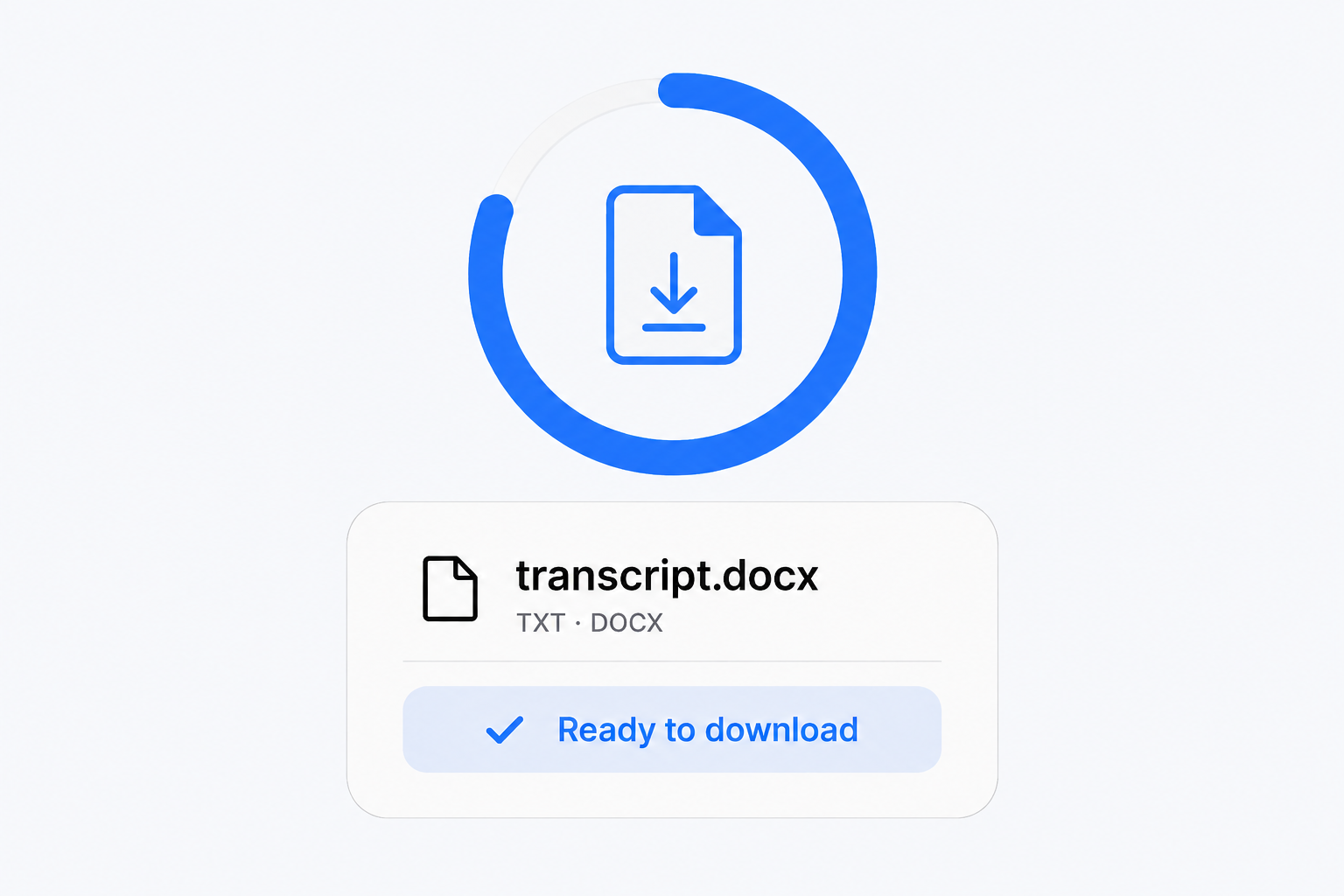
Review and correct your transcript, then download TXT, Word (DOCX), SRT or VTT. You can also copy the text or export JSON without leaving this page.
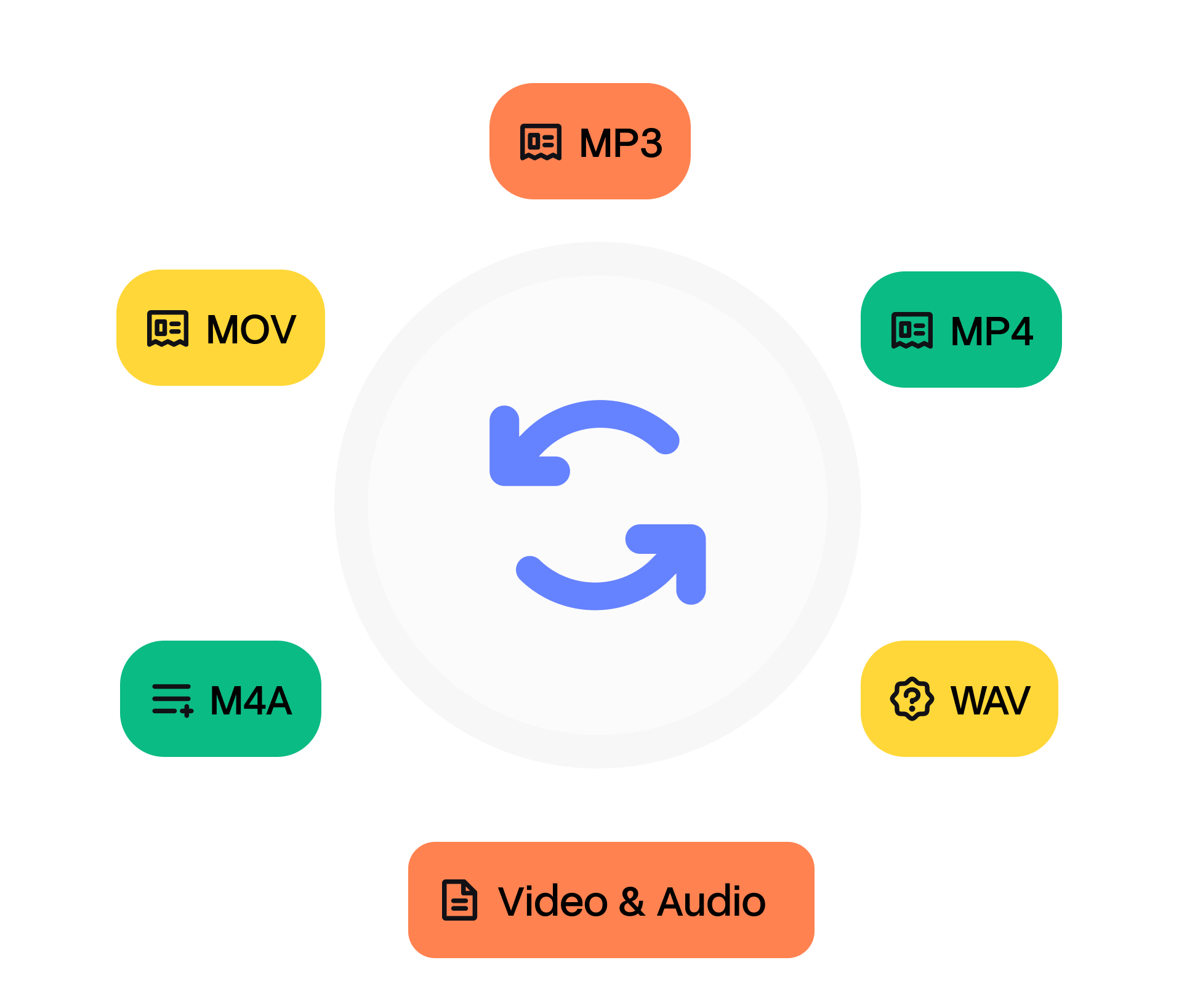
Why Choose Whisper Web's MP3 to Text Converter?
98+ Languages
Transcribe MP3 recordings in 98+ languages. Choose the spoken language or let Whisper Web detect it automatically.
Review with confidence
Turn spoken audio into editable text, then listen back to check names, quotes and important details. Clear recordings give the best results.
Less manual work
Spend less time typing out recordings. AI creates a first draft so you can focus on reviewing and using the text.
Your processing choice
Free transcription processes audio locally in your browser. Pro uploads your recording for cloud processing, longer files and saved history.
Clear transcripts, powered by OpenAI Whisper
Whisper Web Pro uses OpenAI Whisper to turn your MP3 recordings into editable text in the cloud. Whisper was trained on 680,000 hours of multilingual audio, helping it recognize speech across different accents and recording conditions. Listen back and make corrections to names, quotes, or important details before sharing your transcript. Prefer to keep your audio on your device? Free transcription runs locally in your browser.
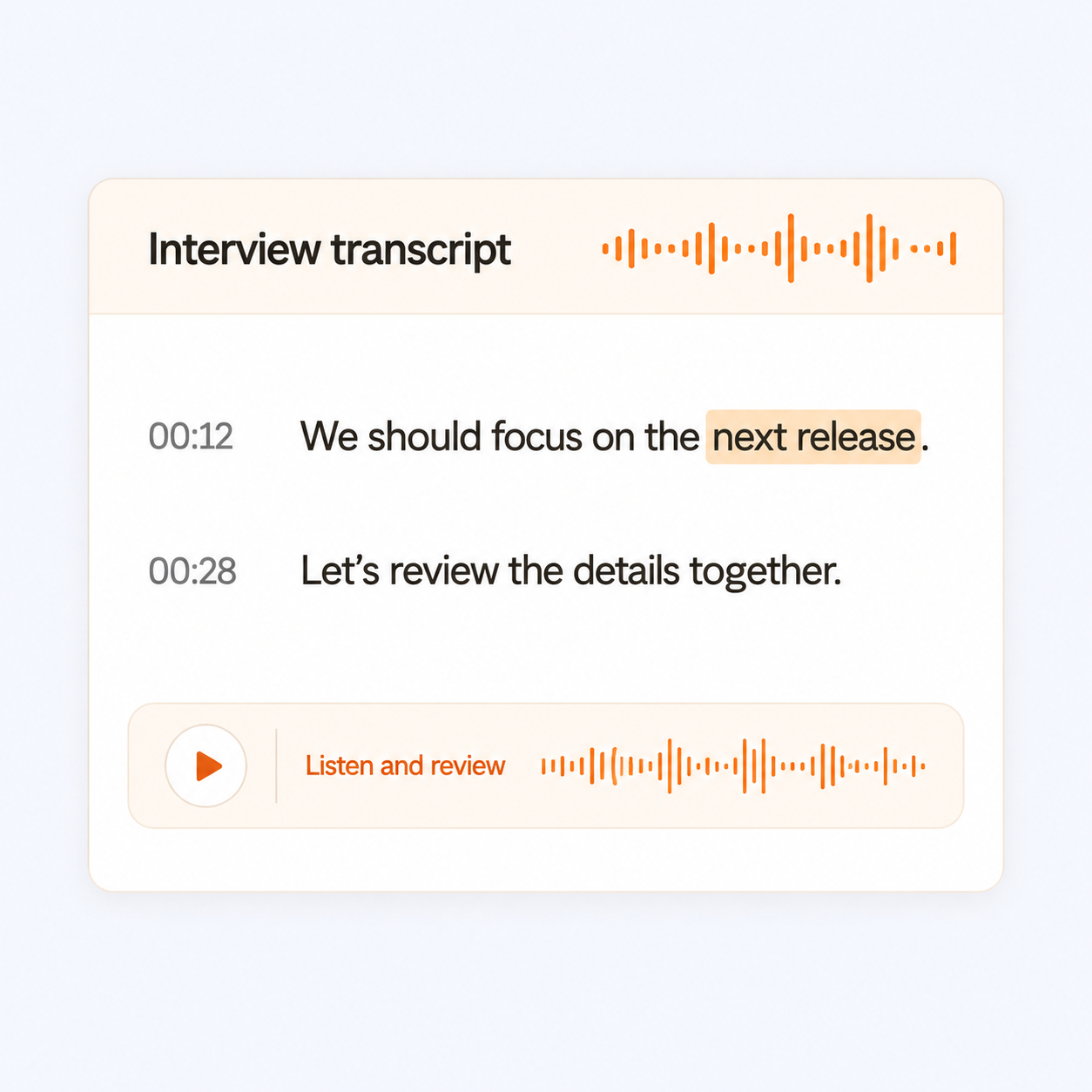
Faster Than Manual Transcription
Skip typing out every sentence yourself. Whisper Web turns your MP3 recording into a draft you can search, edit and download. Processing time depends on the recording length, model and your device; the first local run also downloads a speech model. For longer recordings, Pro offers cloud processing.
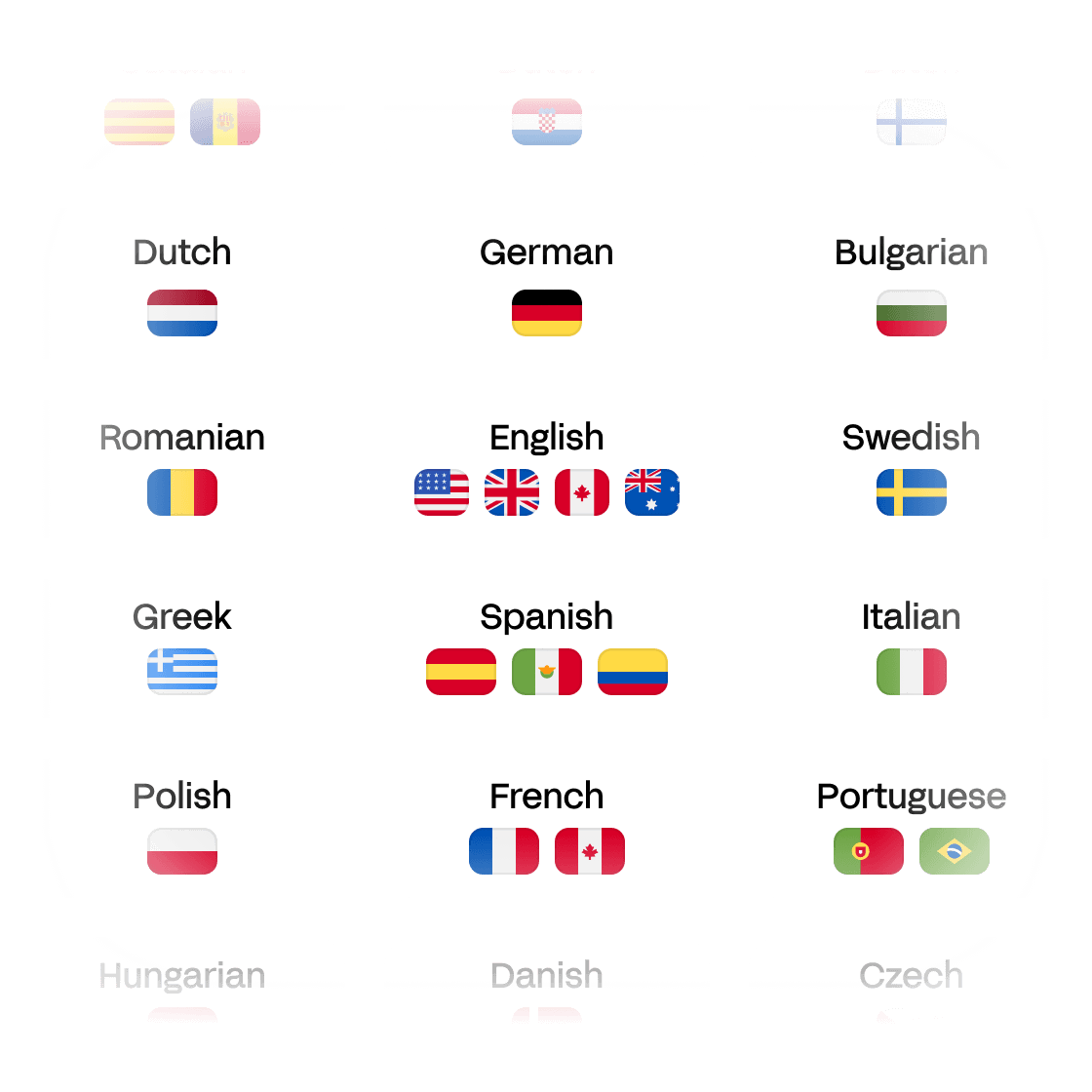
Support for 98+ Languages
Transcribe MP3 recordings in 98+ languages, including English, Spanish, French, German, Arabic, Chinese and Japanese. Choose the spoken language or use automatic detection. Your transcript stays in the original language, making it easier to work with interviews, lectures and recordings from different communities.
Who Benefits from Whisper Web?
Frequently Asked Questions
Can you convert MP3 to text?
Yes. Choose an MP3 file or paste a public direct audio link, select the spoken language, and start transcription. Whisper Web creates text you can edit, copy and download. Use timestamps to listen back and check specific passages.
Why use Whisper Web to transcribe MP3 files?
You can start without signing up, review the text alongside the original audio, and export your corrected transcript on the same page. Free transcription runs on your device, while Pro offers cloud processing for longer recordings and batch workflows.
How accurate is MP3 transcription?
Accuracy depends on the spoken language, recording quality and selected model. Clear speech gives the best results; background noise, strong accents and overlapping voices can cause mistakes. Review names, numbers and important quotes against the original audio before using the transcript.
Can I edit my MP3 transcript before downloading?
Yes. Edit paragraphs and search for words directly on this page. Your corrections are included when you copy or download the result. Save your local transcript before leaving the tab; Whisper Web does not include a human proofreading service.
Which formats can I export my MP3 transcript to?
Download TXT or Word (DOCX), with optional timestamps, or export SRT and VTT subtitles. JSON export and copying the text are also available. All exports use your corrected text.
Do you offer free MP3 transcription?
Yes. Transcribe files up to 20 minutes and 200 MB each for free in your browser, without signing up or entering a credit card. Pro uses cloud processing for longer recordings, batch uploads and saved cloud history.
Which languages can I transcribe my MP3 file in?
Whisper Web supports 98+ languages, including English, Spanish, French, German, Chinese, Japanese and Korean. Choose the spoken language or use automatic detection. This page transcribes the original speech; it does not automatically translate your transcript.
Can I import an MP3 recording from a link?
Use a public direct link to an audio file that the browser can access. A YouTube page or a private Google Drive or Dropbox sharing page is not a direct media file. If importing fails, download a recording you own or have permission to use and select the file from your device.
Does my MP3 recording leave my device?
Free transcription runs locally in your browser. Pro uploads media for cloud processing and saved history. Choose the workflow that suits your recording, and copy or download local results before closing the tab.