

Whisper Web
MP4

Free YouTube to MP4 Converter & HD Video Downloader

Convert any YouTube video to MP4 in 1080p HD with Whisper Web — paste a link, pick a resolution, download it to your device. No signup, no ads, no watermark.

Make sure you don't violate the rights of others with any files you download.

Copyrighted music can't be downloaded with this tool.

After you've downloaded your file, visit Your Dashboard to upload and transcribe it.

Powered by Whisper WebTranscribe audio and video to accurate text in seconds.

About Free YouTube to MP4 Downloader
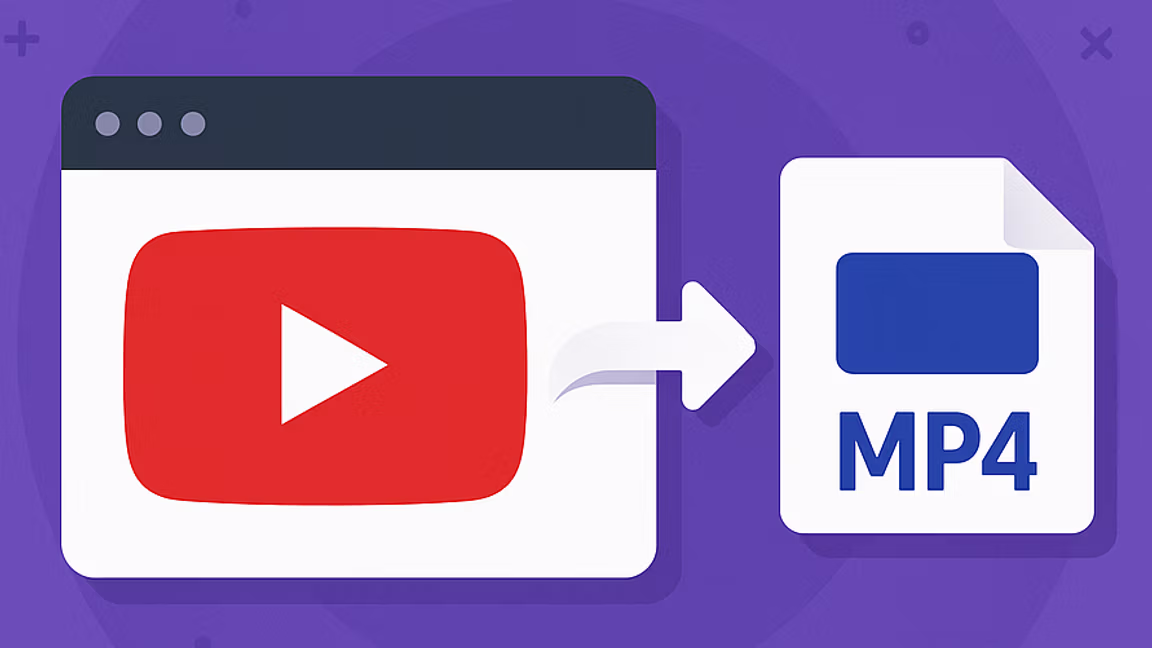
Downloading a YouTube video shouldn't require three tabs of pop-ups, a mandatory signup, or a watermark plastered across the result. Whisper Web's YouTube to MP4 converter strips the process down to its essentials — paste a link, pick a resolution, get an MP4 that plays on any device. No account, no installer, no ads, no hidden limits. The simple version should be the default version, and that's what this tool is.

Most free converters earn their money somewhere — upsells, trackers, quality caps, or a queue that stretches into minutes. This one doesn't. The converter runs in your browser, returns every resolution YouTube exposes (including 1080p and 4K where available), and hands you the MP4 file with nothing sitting between you and the download button. No premium tier nagging you for HD. No countdown timer. No sidebar of unrelated videos.

The flow takes three steps. Copy the YouTube link from the address bar or share menu. Paste it into the field above and hit Download. When the list of available MP4 resolutions loads — 144p for data-sensitive connections, 360p and 480p for basic playback, 720p HD for most devices, 1080p Full HD for everyday viewing, and 1440p or 4K where YouTube exposes them — click the quality you want and the video file saves straight to your device. Everything happens in your browser; nothing installs.

MP4 is the format almost every playback surface already understands. Phones, laptops, smart TVs, projectors, editing timelines, presentation software — they all open MP4 without conversion. A 1080p MP4 is small enough to sync across devices or drop into a messaging thread, yet detailed enough for full-screen viewing. If you want a single video format that will still work years from now, MP4 is the safe pick.

This tool fits people who treat video as raw material. Editors pull reference clips without re-recording. Students archive course videos for offline review. Journalists and researchers preserve source footage for citation. Travelers load watch-later lists onto a device before a flight. Teachers build offline classroom libraries. A single paste-and-click workflow covers all of them.

The piece no other free downloader offers: once you have the MP4, drop it into your Whisper Web Dashboard and generate an accurate transcript in seconds. That turns every downloaded video into something you can search, quote, subtitle, or translate. A lecture becomes study notes. A tutorial becomes a checklist. An interview becomes pull-quotes. A meeting recording becomes a searchable archive. The download gives you the file; the transcription gives you the text underneath it.

Whether you're saving a single HD clip for offline playback, building an archive of reference videos, or preparing raw footage for an edit, this tool puts the MP4 — and the transcript, if you want it — in front of you in just a few clicks.
How to Convert YouTube to MP4 in 3 Steps

Free YouTube to MP4 download in under a minute — paste, pick, download.

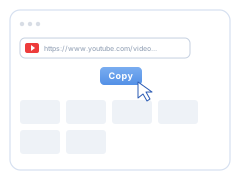
  1. Copy the YouTube link

    1. Copy the YouTube link. Find the YouTube video you want to save and copy its URL from the browser address bar or the video's Share button.

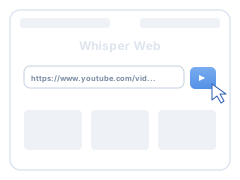
  2. Paste the link above

    2. Paste the link above. Paste the YouTube URL into the input field at the top of the page and click Download. The converter reads every MP4 resolution YouTube offers for that video.

  3. Pick a resolution and save the MP4

    3. Pick a resolution and save the MP4. Choose the MP4 quality you want — 360p, 720p, 1080p Full HD, or 4K where available — and the video file saves straight to your device. No account, no software.

Why Download YouTube as MP4?

Four reasons the MP4 download beats streaming — especially offline, on mobile data, or across devices.

Watch downloads offline

Download the video once and watch it on a flight, in a classroom, or anywhere without Wi-Fi. The MP4 download lives on your device — no stream, no buffering, no data required.

Save mobile data

Streaming the same YouTube video three times burns three times the data. Download it as MP4 once and replay for free — especially useful on capped plans or slow connections where every video download saves money.

Play your MP4 anywhere

Every phone, laptop, smart TV, projector, and video editor opens MP4 natively. Download the video here and the file plays on iPhone, Android, Windows, macOS, Linux, and ChromeOS — no conversion software needed after the download.

Transcribe after you download

Unique to Whisper Web: drop the downloaded MP4 into your Dashboard and get a free transcript in seconds. The video download becomes searchable text, subtitles, or translation-ready source material.

YouTube to MP4 — Frequently Asked Questions

Quick answers to the questions people ask most about downloading YouTube videos as MP4.

How do I convert a YouTube video to MP4?
Paste the YouTube link into the box above and click Download. Within seconds you'll see a list of available MP4 resolutions — pick the one you want (1080p, 720p, 480p, or lower) and save the video straight to your device. No account, no installer, no software to download.
Is it legal to download YouTube videos as MP4?
Downloading your own content, public-domain material, or videos you have the creator's permission to save is fine. Downloading copyrighted YouTube videos without permission is not — check the source and use good judgment. Whisper Web's YouTube to MP4 converter is for legal, personal, non-infringing use only.
What's the highest resolution I can download — 1080p, 4K?
Whatever YouTube itself serves. That's typically up to 1080p Full HD on most videos, with 1440p and 4K (2160p) available where the creator uploaded a source at that quality. The converter reads every MP4 stream YouTube exposes and lists them all so you can pick the resolution you want.
Do I need to sign up or install software?
Neither. Whisper Web runs entirely in your browser. No account, no installer, no extension, no watermark on the downloaded video file. Paste the YouTube link, pick your MP4 resolution, download it — done.
Can I convert YouTube Shorts or a whole playlist?
Individual Shorts work exactly like any other YouTube video — paste the Shorts link and convert it to MP4. Full-playlist batch downloads aren't supported today; download each video individually.
Can I also get a transcript or subtitles from the downloaded video?
Yes — and this is what separates Whisper Web from every other YouTube to MP4 converter. Once you've downloaded the MP4, open your Whisper Web Dashboard, upload the video, and generate a free, accurate transcript in seconds. Export as TXT, DOCX, or SRT subtitles for translation, editing, or publishing.