Upload your video or audio
Choose or drop a recording, or import a public direct media link.
Generate editable subtitles from your video or audio with OpenAI Whisper. Choose from 99 languages, review the timing, and download SRT or VTT. Free processing runs locally in your browser.
Choose or drop a recording, or import a public direct media link.
Choose the language in your recording or use automatic detection, then start generating subtitles.
Correct the subtitle text and timing, then download an SRT or VTT file.
Correct the words, change start and end times, and add or remove cues before you download your subtitles.
Choose a browser-supported video or audio file, or import a public direct media link to create subtitles.
Choose the spoken language or use automatic detection for recordings in 99 languages.
Turn spoken audio into timed subtitle cues that you can review against your recording.
Free subtitle generation runs on your device. Choose Unlimited when you want cloud processing for longer recordings.
Export SRT for video platforms and editors, or VTT for web players, after reviewing your subtitles.
Within the free limits, supported media is decoded and transcribed locally in your browser. Your media bytes and subtitle text are not sent to Whisper Web analytics.

Choose the language spoken in the recording or use automatic detection. Whisper Web turns that speech into timed cues in the source language, ready for review and export.
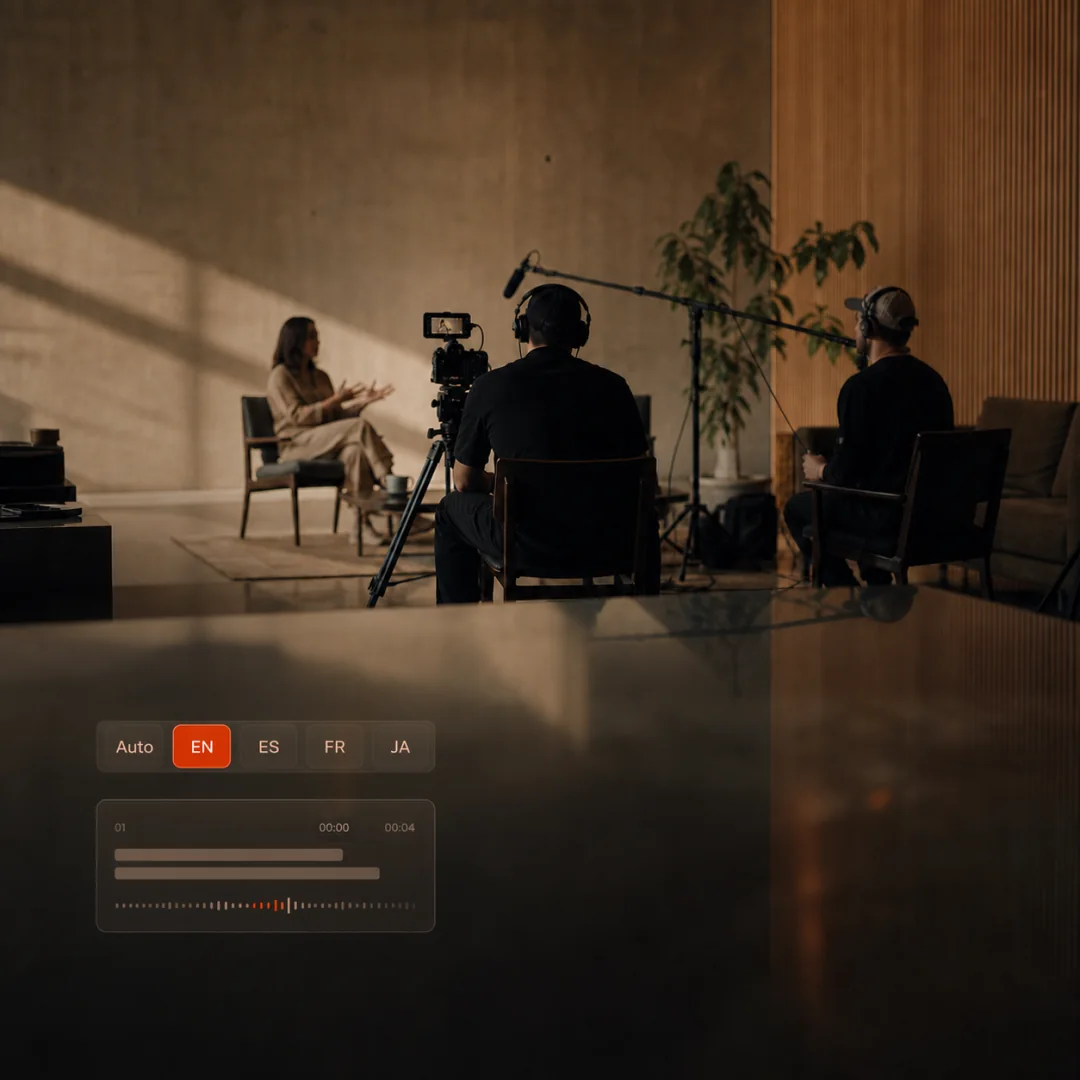
Correct cue text, adjust start and end times, add or remove cues, and undo a deletion on the same page. SRT and VTT downloads stay disabled until the cue data is valid.
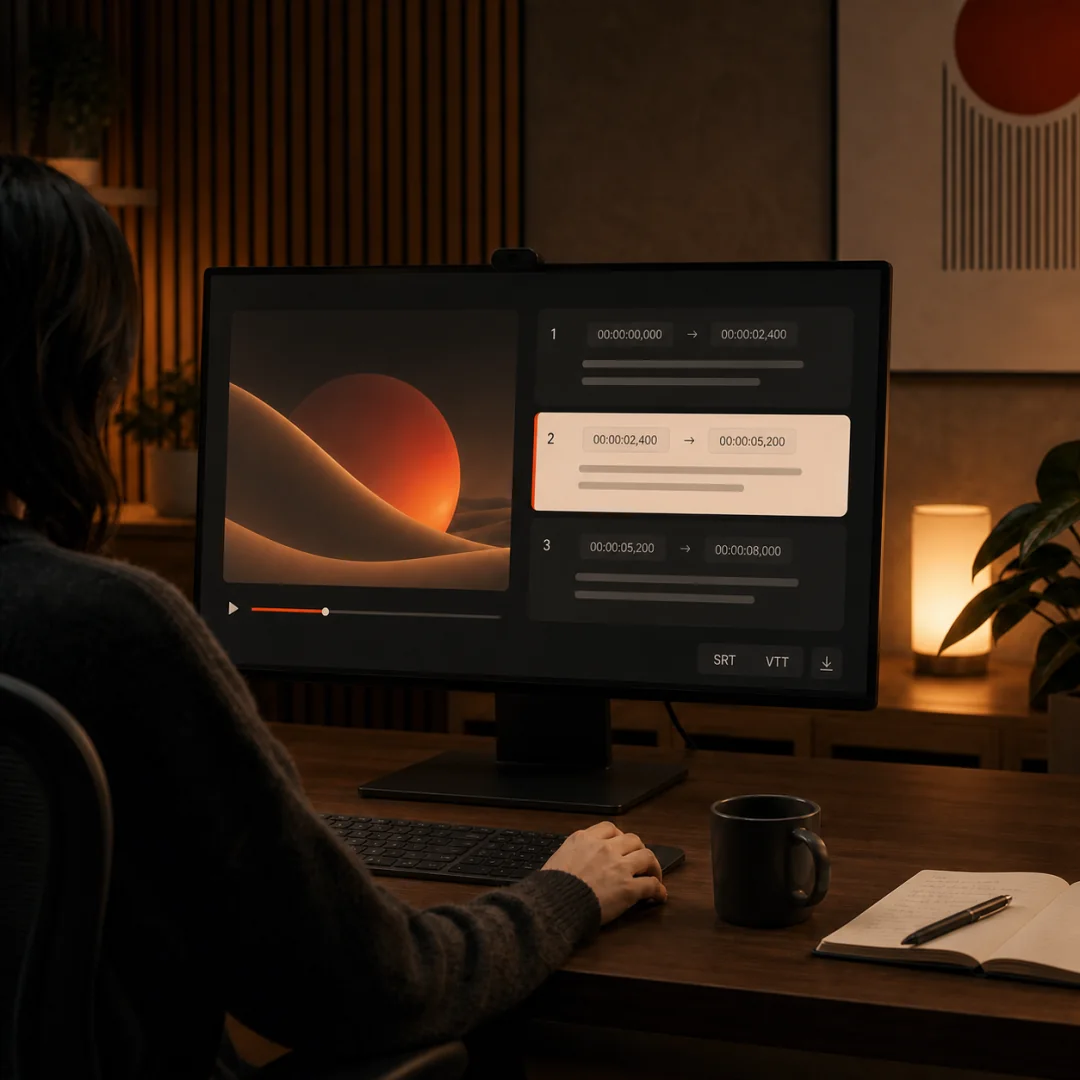
Upload a supported video or audio file, choose the spoken language or automatic detection, and start generation. Review the subtitle text and timing, then download SRT or VTT. For a readable video transcript, use video to text.
Yes. Free subtitle generation runs locally in your browser for files up to 200 MB and 20 minutes each. Unlimited adds cloud processing, longer-file workflows, batch work, and cloud history.
Yes. You can edit subtitle text, change start and end times, and add or remove cues on the generator page before exporting SRT or VTT. To convert an existing subtitle file to another format, use the subtitle converter.
Both formats contain timed subtitle text. SRT is widely supported by video platforms and editors; VTT is designed for web video players. Download the format accepted by the platform where you plan to publish. Use our SRT generator or VTT generator for a format-specific workflow.
Generate and review subtitles for a video you own or are authorized to use, then download the SRT file. In YouTube Studio, open your video’s Subtitles settings and upload the file to the appropriate language track. Review the result before publishing. See our YouTube subtitle tool for that workflow.
Yes. You can copy subtitle text into ChatGPT and ask it to help with wording or punctuation. Ask ChatGPT about this workflow. Check its changes against the recording, and review the timing in Whisper Web before exporting. Share only text you want ChatGPT to process.
Accuracy varies with the language, speaker, microphone, background noise, and model. Review names, specialist terms, and timing against the recording before publishing.
Free processing runs locally in your browser, so the media is not uploaded to Whisper Web servers. Unlimited-plan cloud processing uploads files when you choose a cloud workflow.
This generator creates subtitles in the original spoken language. Whisper Web also offers separate subtitle translation tools, including French to English, Japanese to English and Spanish to English. Review translated text against the recording before publishing.
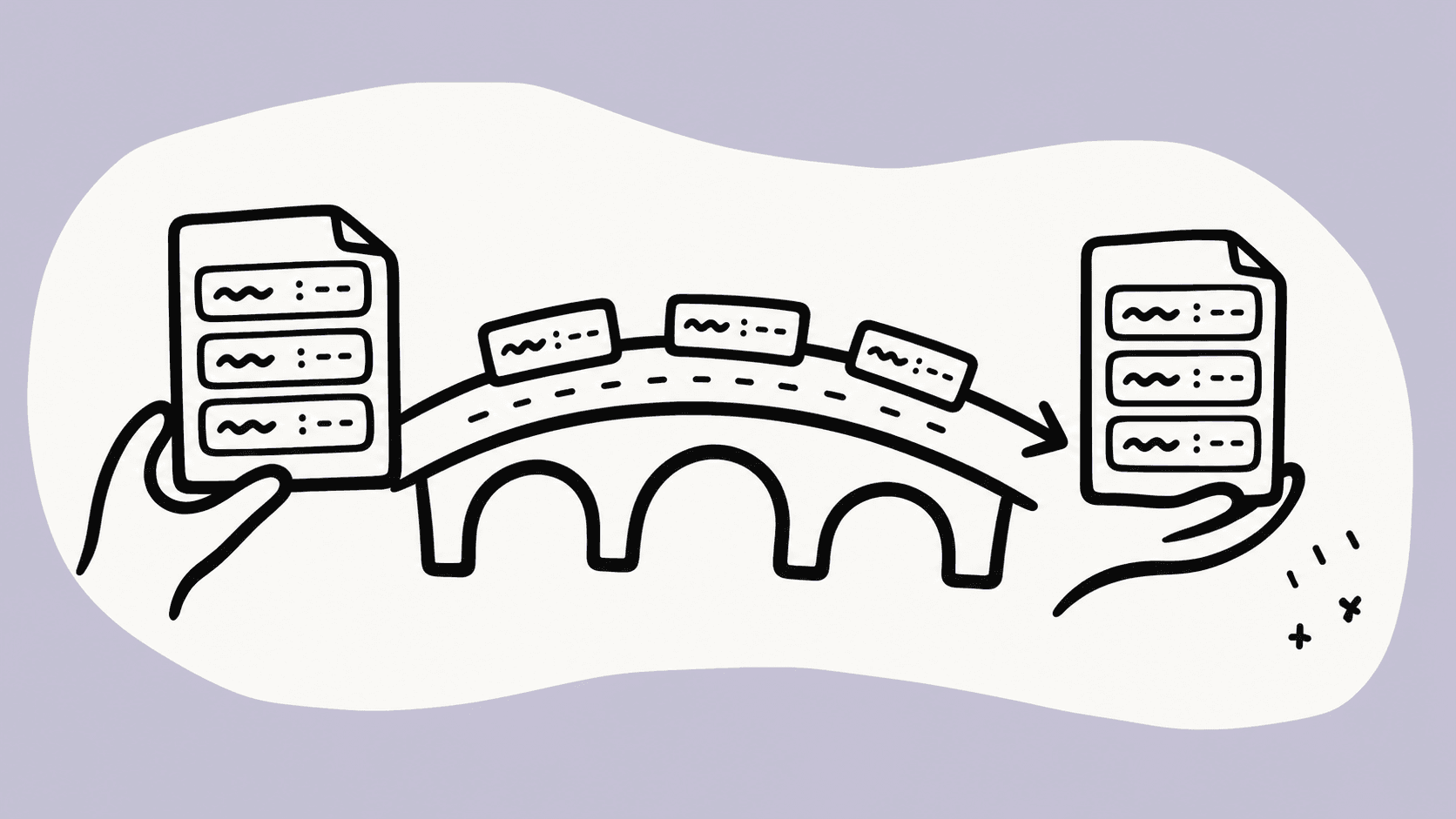
A practical guide to subtitle format conversion: which timings and text survive, which WebVTT features SRT cannot preserve, and how to validate the result.
Looking for descript alternatives? Discover the top free browser transcription tools and online subtitle generators for secure, local speech to text in 2026.
Learn how to generate accurate subtitles with AI using OpenAI Whisper — free, private, and directly in your browser. Export SRT and VTT files for YouTube, Premiere Pro, and any video platform.
A short recording can be transcribed in the browser. Files over 20 minutes or 200 MB need the Unlimited-plan cloud plan, and the transcript still needs a human edit.
Open the dashboard for Unlimited-plan cloud transcription, saved history, and batch workflows. Files selected there are uploaded for cloud processing.