Choose your audio
Select or drop a recording. You can also use a direct audio link or make a new recording.
Free local transcription runs in your browser. Turn interviews, meetings and voice notes into editable text, then download TXT or Word.
Longer files & cloud historyFor longer files and cloud historyExplore ProSelect or drop a recording. You can also use a direct audio link or make a new recording.
Confirm the spoken language or leave automatic detection on. Start transcription and follow the progress.
Correct the text, replay any sentence you want to check, then copy or download your finished transcript.
Transcribe audio in English, Spanish, French, German, Italian, Portuguese, Dutch, and over 98+ other languages with high accuracy.
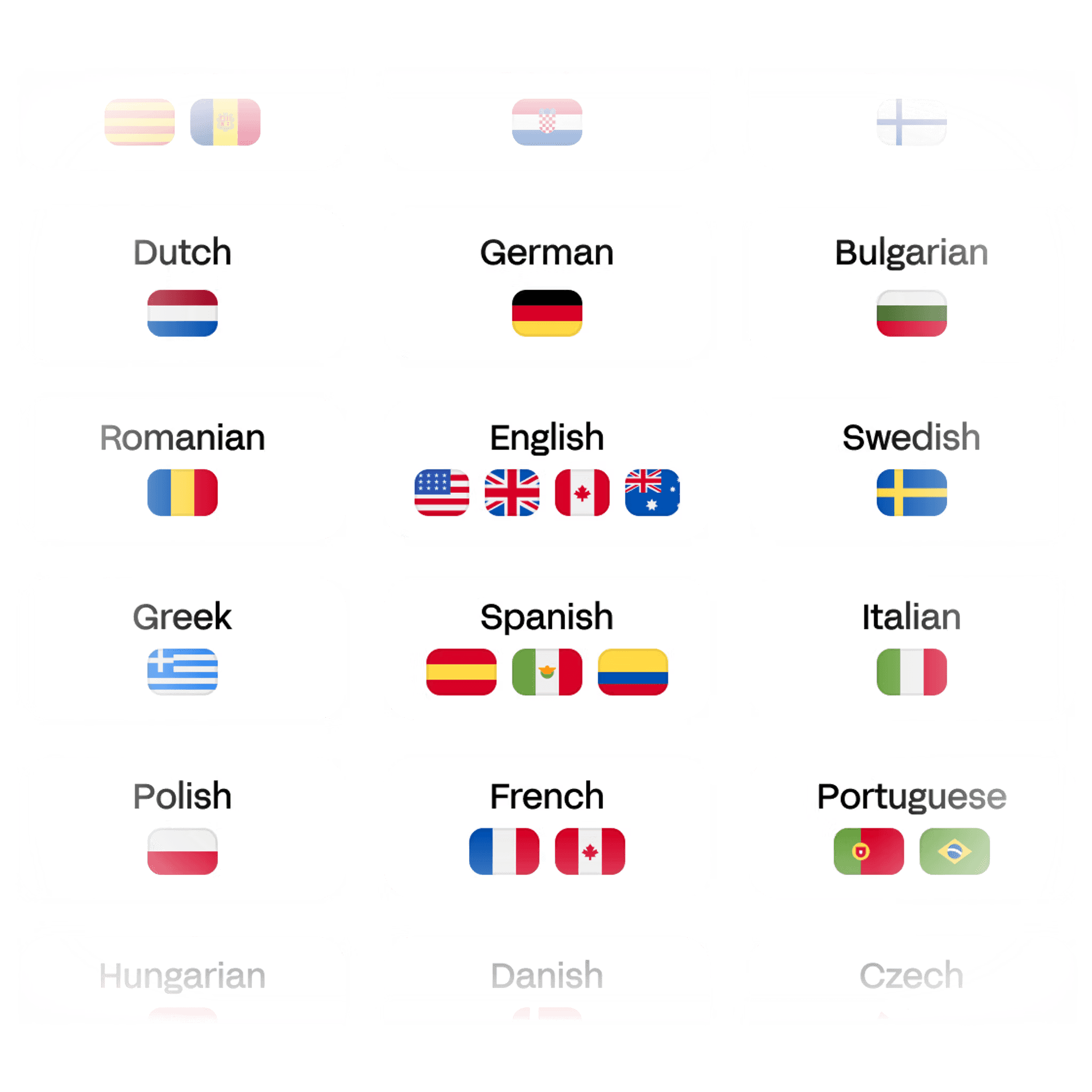
Whether your audio comes from an interview, meeting, lecture, or podcast, Whisper Web delivers fast and reliable transcripts even with background noise and accents.
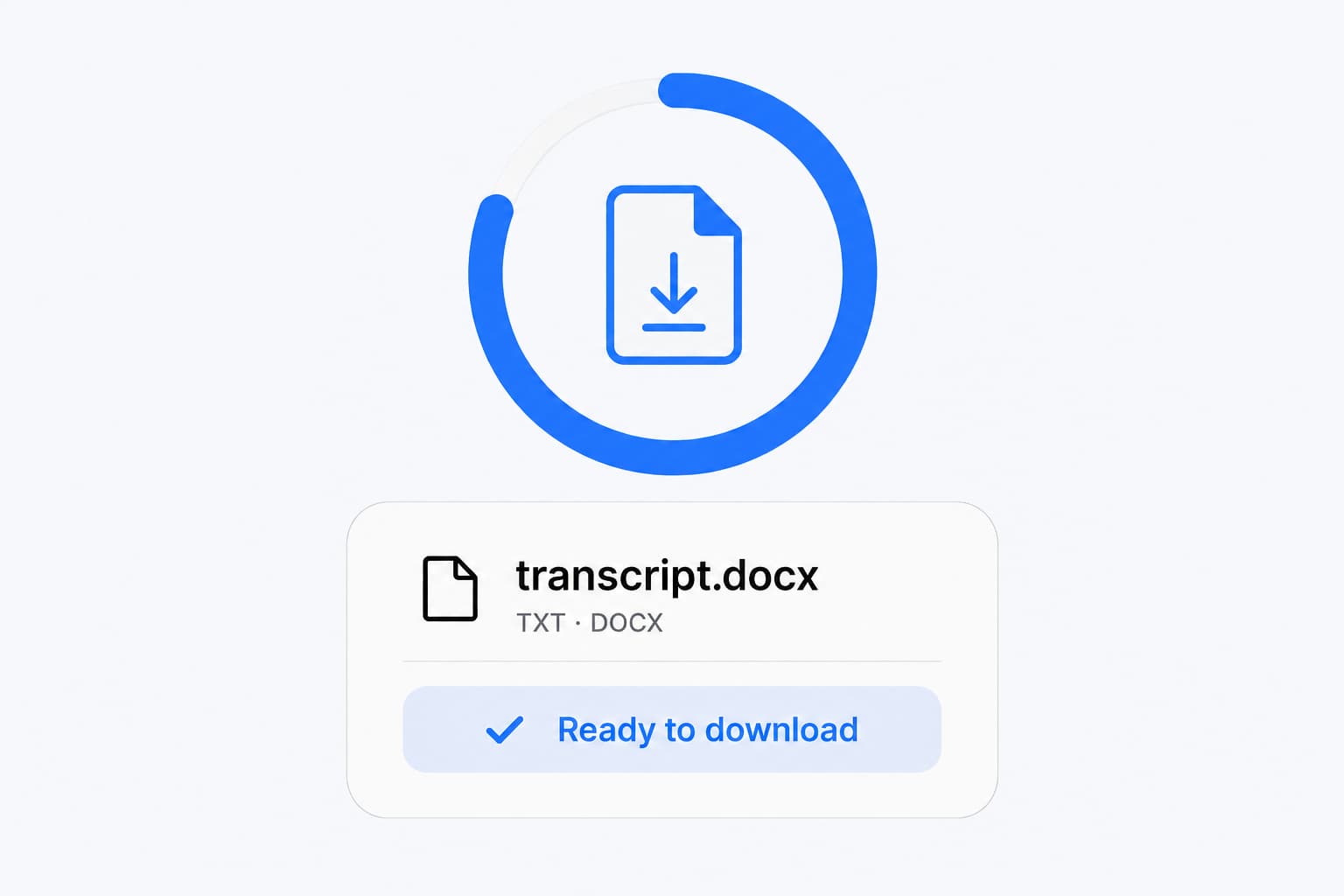
Whether it’s a Zoom recording, a podcast episode, a voice memo, or a lecture, Whisper Web converts any audio file into text quickly and accurately.
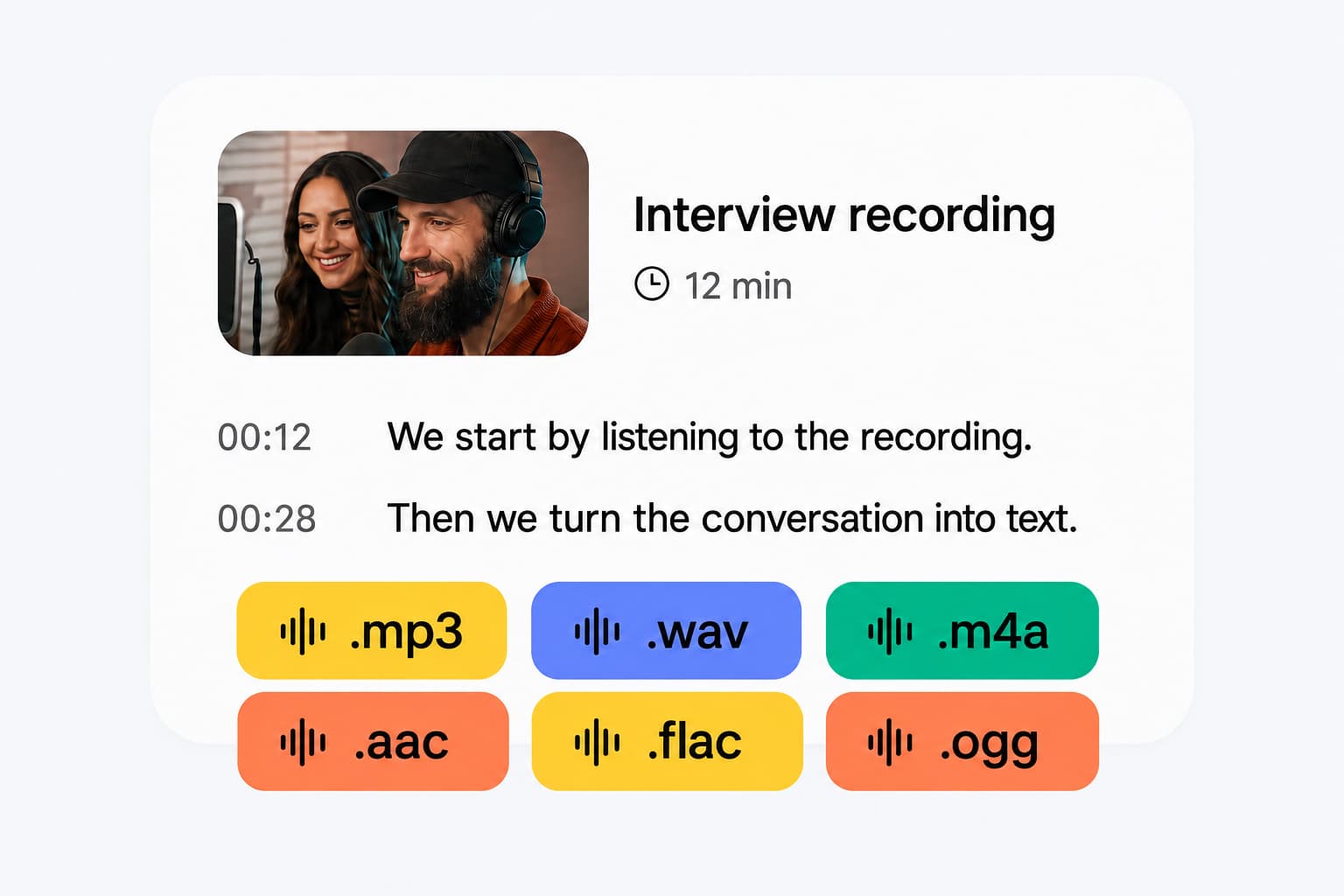
Transcribing audio to text makes your content easier to search, edit, analyze, and share. Whether you are capturing interviews, recording meetings, creating captions for videos, or documenting research, a transcript helps you work with the details without replaying the entire recording.
Save time on manual note-taking
Turn interviews, lectures, or meetings into editable text instead of typing everything out yourself.
Make content searchable
Find quotes, insights, and key moments by searching your transcript.
Improve accessibility
Provide a text alternative for Deaf or hard-of-hearing audiences and people who prefer reading.
Repurpose your content
Use your transcript as the starting point for articles, reports, newsletters, captions, or subtitles.
Check details and improve understanding
Review names, quotes, and important points against the original audio instead of relying on memory.
Whisper Web uses AI to turn spoken audio into editable text. Review your transcript, listen back to check a sentence, and download text, Word documents, or subtitles without leaving this page.
Select or drop your audio file into Whisper Web, choose the spoken language or automatic detection, and start transcription. AI converts the recording into editable text. Review the transcript, click timestamps to listen back, then copy the text or download your document.
Yes. AI speech recognition can turn interviews, meetings, lectures, podcasts and voice notes into text without typing them out manually. Whisper Web offers free transcription in your browser and Pro cloud processing for longer recordings. Check names, numbers and important quotes before using the result.
Look for software that supports your recording language and file format, lets you correct mistakes, and exports the document or subtitles you need. Whisper Web lets you try local transcription without signing up, edit the text alongside audio playback, and export TXT, Word or subtitles. Test a short sample of your own recording to judge the results before choosing a paid plan.
Yes. Whisper Web offers free local transcription for files up to 20 minutes and 200 MB each, with no signup or credit card required. Your audio is processed in your browser. For longer files, batch uploads and saved cloud history, Pro uses cloud processing and uploads media for transcription.
Accuracy depends on the language, clarity of speech and recording quality. Accents, background noise and overlapping voices can cause mistakes. For better results, use the clearest original recording and select the correct spoken language. You can replay uncertain passages and edit names, technical terms or quotes before downloading.
Transcription time depends on the recording length, selected model and your device. The first free local run can take longer while the speech model downloads. Keep the tab open and follow the progress shown by the tool. Pro processes recordings in the cloud rather than relying on your device for transcription.
Common audio formats include MP3, WAV, M4A, AAC, FLAC, OGG, OPUS and WebM. Choose your recording directly; you usually do not need to convert it first. Local support also depends on your browser and the codec inside the file. If the file cannot be read, export it as MP3 or WAV and try again.
Download your transcript as TXT or Word (DOCX), with optional timestamps, or export SRT and VTT subtitles. JSON and copying the text are also available. You can edit the transcript before exporting, and downloads include your corrections. Save your local result before leaving the tab.
Yes. You can select a browser-supported video file, such as MP4 or WebM, and transcribe its spoken audio without manually extracting it first. Compatibility depends on the video's audio codec and your browser. If it cannot be read, export the audio as MP3 or WAV, then use that file.
Whisper Web supports 98+ languages, including English, Spanish, French, German, Italian, Portuguese, Dutch, Chinese, Japanese, Arabic, Hindi and Korean. Select the spoken language or use automatic detection. Transcription produces text in the original language; it does not automatically translate it. Try a short sample to check recognition for your recording.
Choose your file, turn speech into text and take away a corrected transcript.