Choose your recording
Select an audio or video file, paste a public direct media link, or record your voice in the browser.
Turn recordings into editable text with AI transcription powered by OpenAI Whisper. Upload audio or video, paste a direct media link, or record your voice. Free transcription runs locally in your browser.
Select an audio or video file, paste a public direct media link, or record your voice in the browser.
Choose the language or use automatic detection, then start AI transcription. For a recording, stop recording before transcribing.
Check the text against the recording, correct any mistakes, then copy or download your transcript.
Use AI to turn speech in interviews, meetings, podcasts and video files into text you can review and search.
Correct names, numbers and specialist terms in the transcript before copying or downloading your work.
Click a paragraph's timestamp to replay the corresponding passage and check the transcript against the recording.
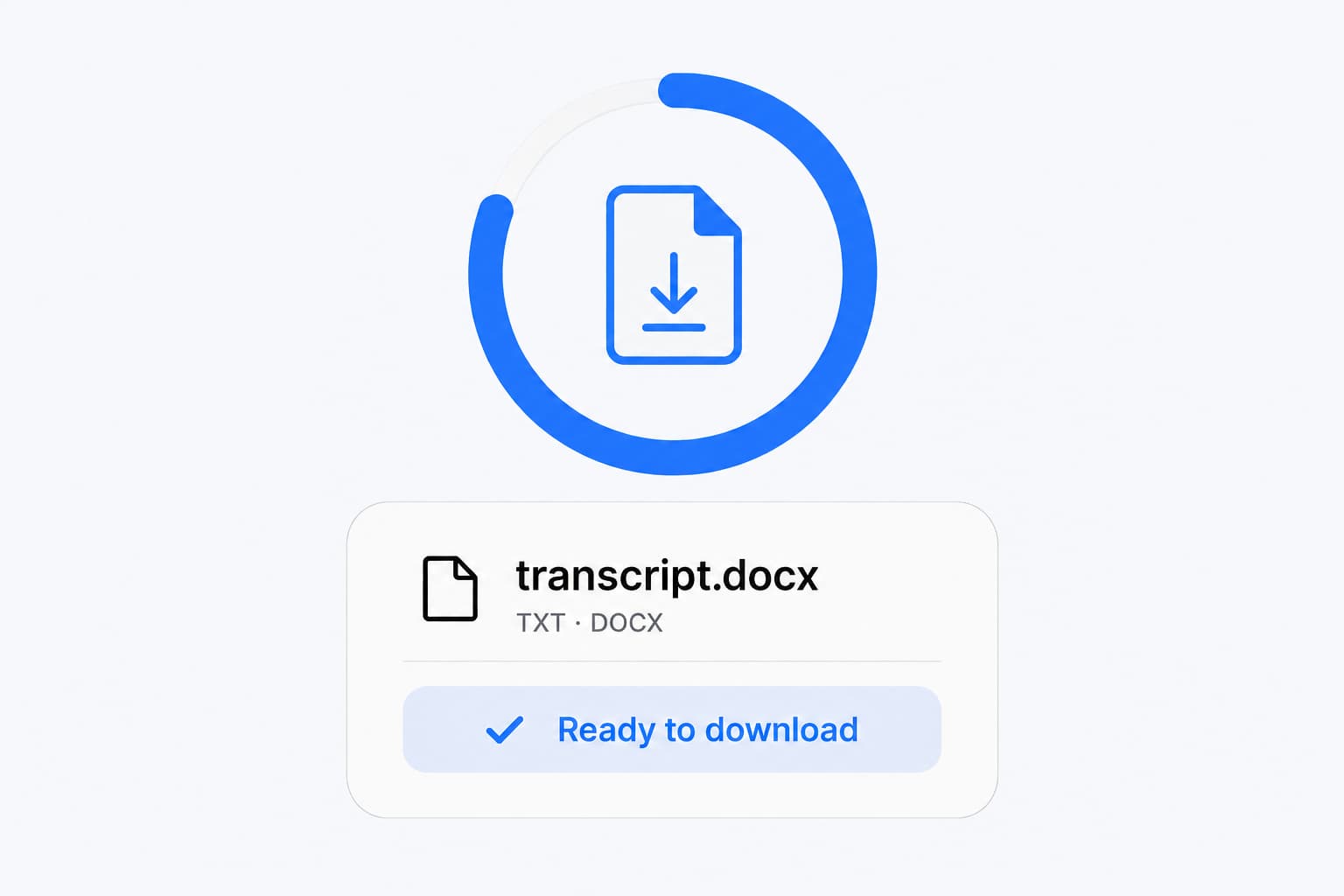
Download TXT or Word for documents, or export SRT and VTT for subtitles. Copying text and JSON export are also available.
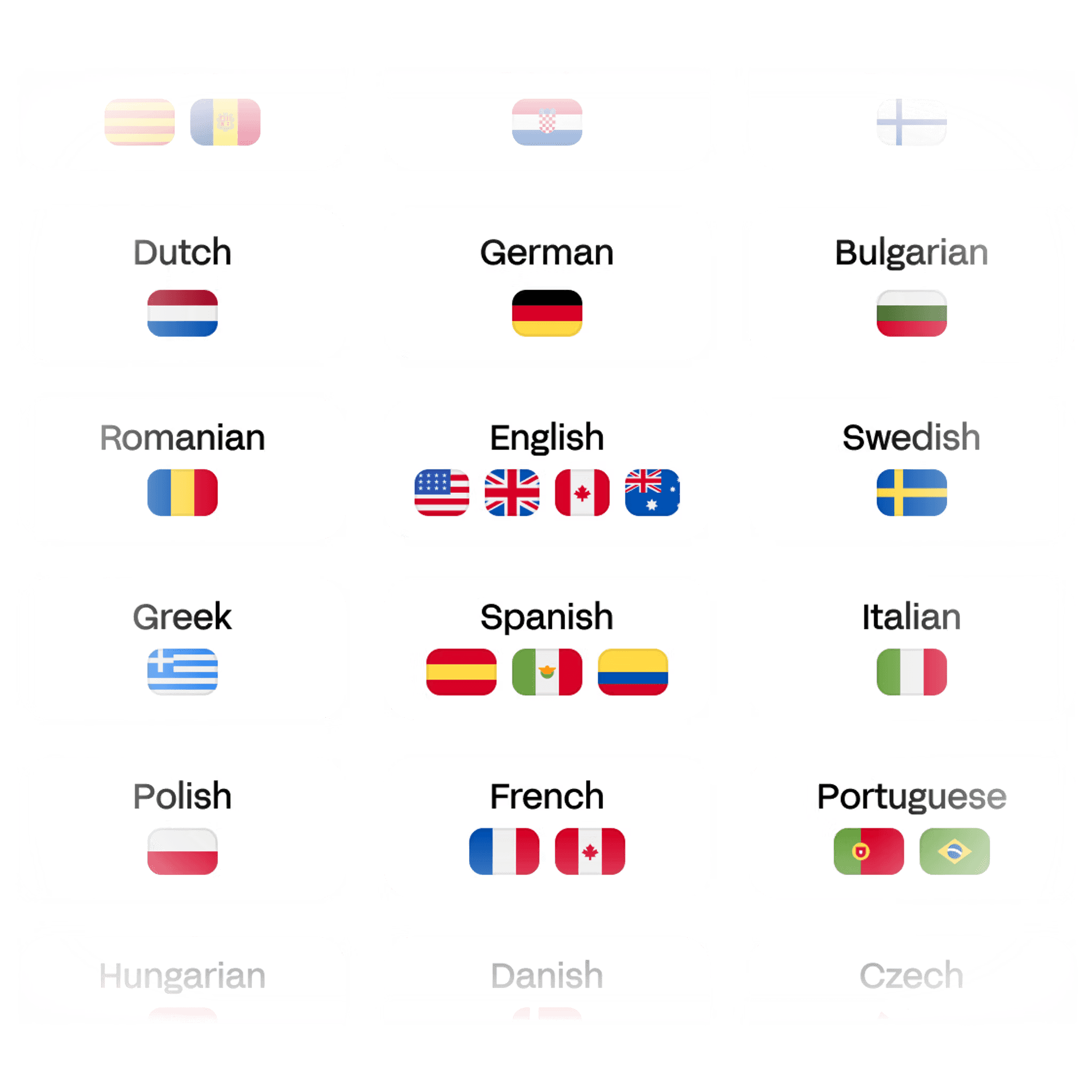
Select the language in your recording or use automatic detection. AI transcription produces text in the original spoken language.
Free transcription processes audio on your device without uploading it for transcription. Unlimited processes selected files in the cloud.
Transcribe interviews, meetings, podcasts or videos, then search and correct the draft. Select a browser-supported file or paste a public direct media link.
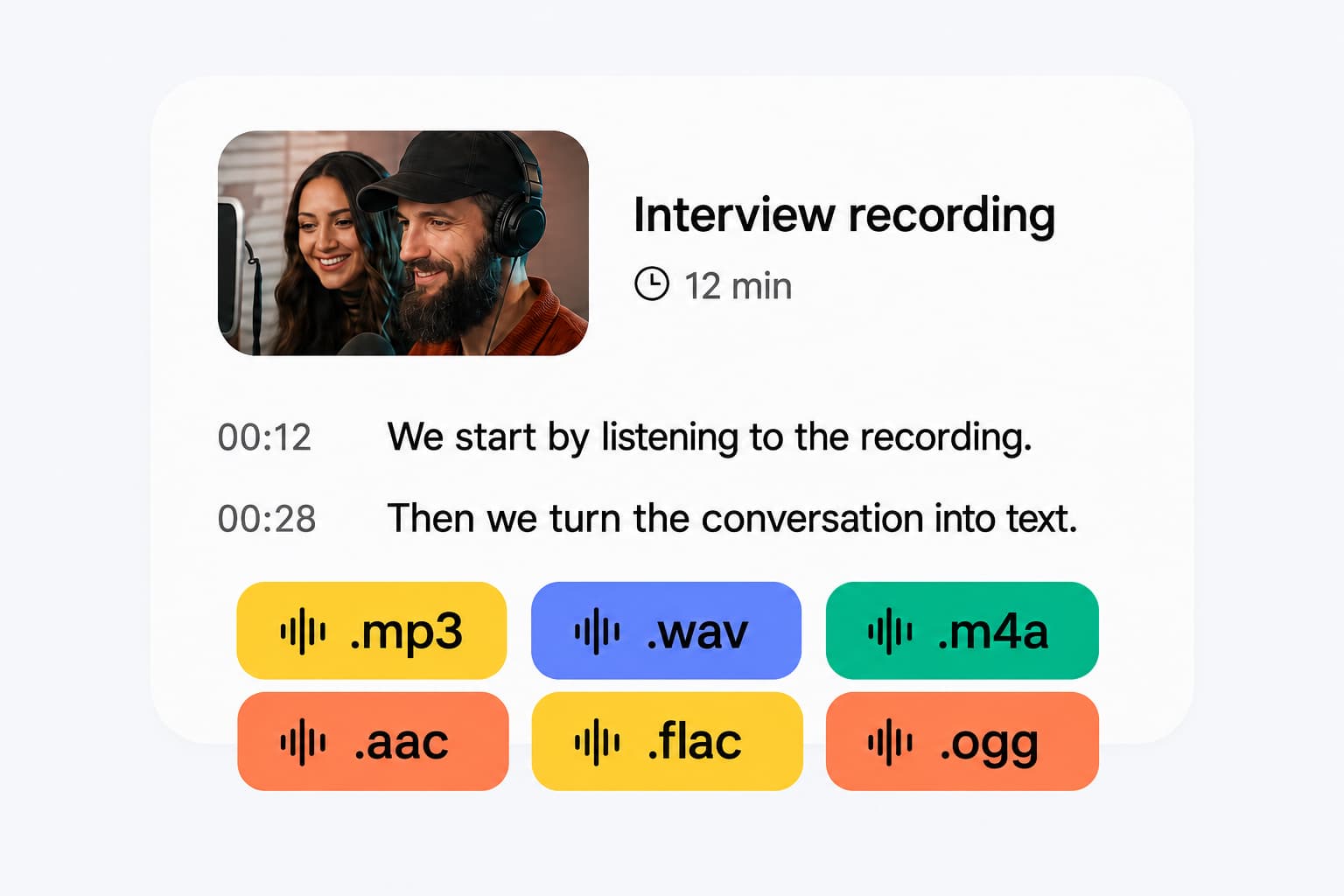
Replay a passage from its timestamp, correct names and technical terms, then copy or download the text for your notes or documents.
Choose the spoken language or use automatic detection. The transcript retains the original language and is ready to review.
AI transcription uses speech recognition to convert spoken words in an audio or video recording into text. Whisper Web uses OpenAI Whisper to produce an editable draft that you can review and export.
Choose a recording, paste a public direct media link, or record your voice. Select the spoken language or automatic detection, start transcription, then review the result and copy or download it.
ChatGPT offers voice features and Record in supported apps and plans. You can also transcribe a recording in Whisper Web, then copy its text into ChatGPT to create a summary or action list. Check the result against the recording and share only text you want ChatGPT to process. Ask ChatGPT about this workflow.
Transcribe your recording in Whisper Web, review the text and download a Word (DOCX) file or copy it into an existing document. Word also offers Dictate and Transcribe in supported Microsoft 365 versions.
Yes. Free transcription runs locally in your browser without an account or credit card. Each file can be up to 20 minutes and 200 MB, with no daily file-count limit. Unlimited is a paid option for longer recordings and batch cloud processing.
Accuracy depends on the recording and language. Background noise, overlapping voices, accents and specialist terms can cause errors. Use clear audio and review important names, numbers and quotes against the recording.
Processing time depends on the length of the recording, your device and the processing option you choose. Keep the page open while free local transcription runs, then review the draft before sharing it.
Whisper Web accepts common audio and video formats your browser can decode, including MP3, WAV, M4A, MP4 and WebM. Use audio to text for recordings or video to text for video files.
Whisper Web supports 99 spoken languages, including English, Spanish, French, German, Chinese, Japanese and Korean. Select the spoken language or use automatic detection. Transcription keeps the speech in its original language.
Free transcription processes the audio on your device without uploading it for transcription. When you choose Unlimited, selected files are uploaded and processed in the cloud.
Yes. Choose a recording you have permission to use, then review the transcript and check names and quotations. For specific workflows, see meeting transcription or interview transcription.
Yes. Search and edit the text and replay passages using timestamps. Copy the result or export TXT, Word (DOCX), SRT, VTT or JSON. Save a local result before leaving the tab.
Yes. Export SRT or VTT from the transcript. To review subtitle cues and timing, use the subtitle generator with your recording.
Transcription writes spoken words in their original language; translation changes their language. If you need to translate speech to English, use the audio translator and review the result against the recording.
Choose an audio or video file, then review and download your transcript.