Choose your recording
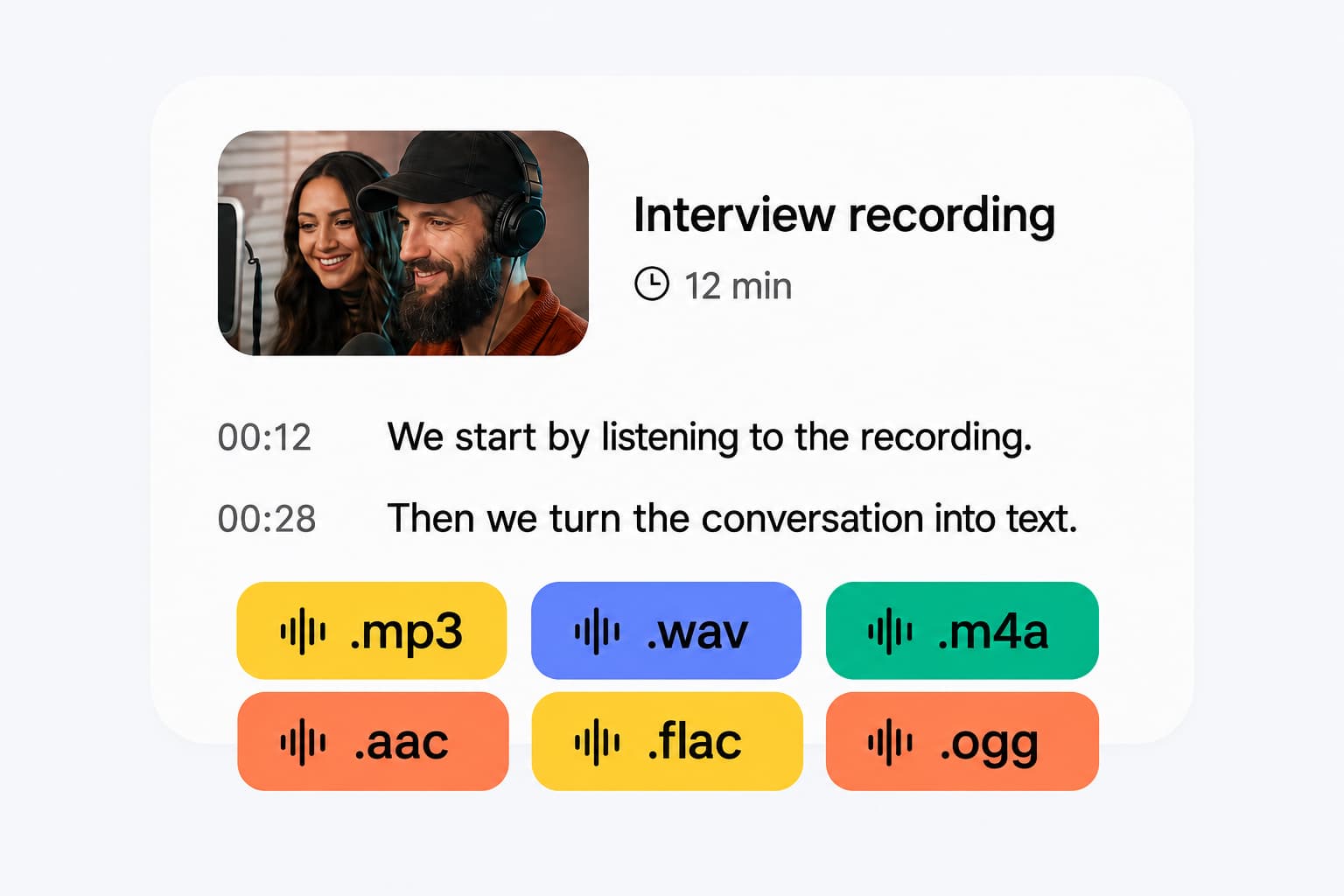
Select a browser-supported audio or video file, paste a public direct media link, or record with your microphone.
Whisper Web (WhisperWeb) is an independent tool for using OpenAI's Whisper AI speech-to-text model online. Transcribe locally for free without an API key or Python setup.
Select a browser-supported audio or video file, paste a public direct media link, or record with your microphone.
Choose the spoken language or automatic detection, then start local transcription. The selected model downloads on first use if it is not cached.
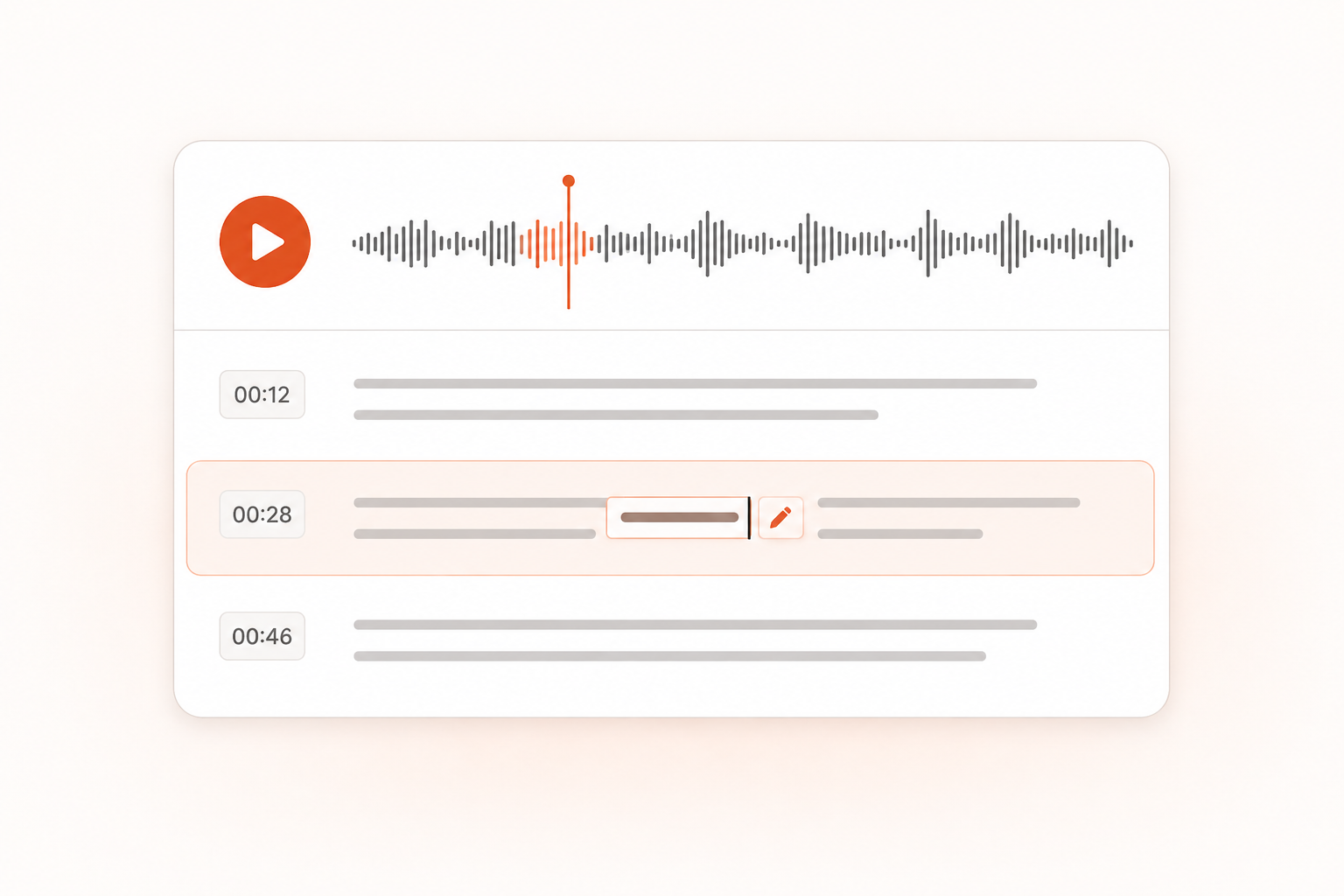
Correct the words, replay passages using timestamps, then copy or download the transcript.
Use browser-compatible OpenAI Whisper models in Whisper Web without installing Python or configuring an API key.
Correct names, specialist terms and misheard words on the page before copying or downloading your transcript.
Use transcript timestamps to replay the corresponding part of your recording and check the words.
Download TXT or Word for notes and documents, or export SRT, VTT or JSON with timestamps.
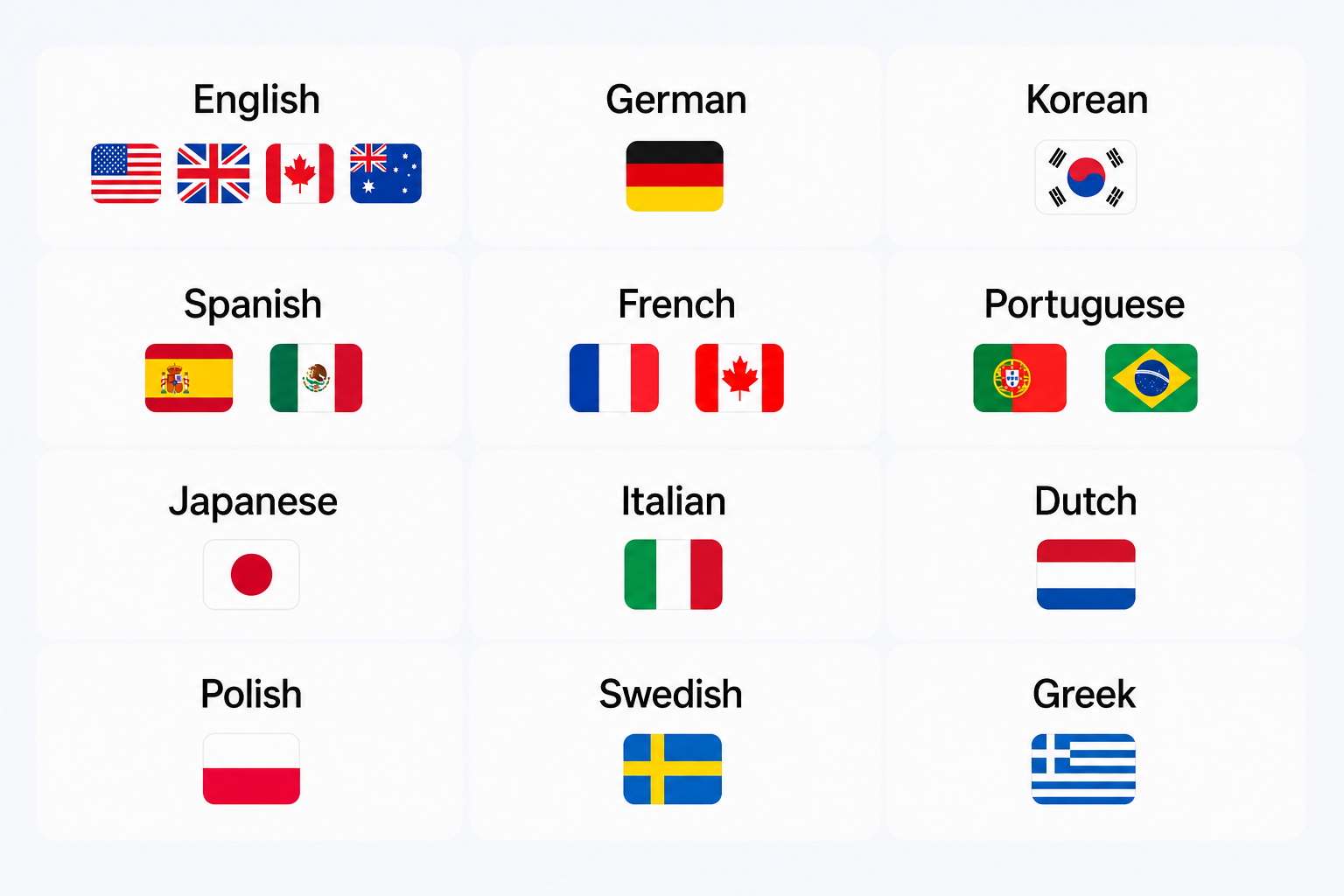
Choose the language in your recording or use automatic detection to transcribe speech in its original language.
Free transcription runs on your device without uploading audio for transcription. Unlimited processes selected files in the cloud.
Choose an audio file and use OpenAI's Whisper AI model in your browser with Whisper Web. Free local transcription runs on your device without Python or an OpenAI API key.
Select the language spoken in your recording or use automatic detection with Whisper AI. Review the transcript against the original audio, especially names and specialist terms.
Correct the words, listen back using timestamps, and copy or download the transcript. TXT, Word, JSON, SRT and VTT exports are available.
OpenAI Whisper is a speech recognition model that converts audio into text. Whisper Web (WhisperWeb) lets you use Whisper in your browser without Python, a command line, or your own API key. Free mode runs browser-compatible Whisper models on your device; Unlimited provides cloud transcription. Whisper Web is an independent product, not an official OpenAI service.
Choose a supported audio or video file, select the spoken language or automatic detection, and start Whisper AI transcription. Review the words alongside the recording, then copy or download TXT, Word, SRT or VTT. You can also start with our audio to text tool.
Yes. Transcribe your recording in Whisper Web and review the text, then copy the relevant transcript into ChatGPT for a summary, action list or follow-up email. Ask ChatGPT about this workflow. Share only the text you want ChatGPT to process.
Transcribe your recording in Whisper Web, correct the text, then download a Word (DOCX) file or copy the transcript into an existing document. This works for meeting notes, interview write-ups and reports.
No. Whisper Web, also written WhisperWeb, is the transcription tool at whisperweb.dev. WhisperAI at whisperai.com is a separate product. This page describes how to use OpenAI Whisper through Whisper Web. Compare Whisper Web and WhisperAI.
Whisper Web offers free local transcription for files up to 20 minutes and 200 MB each, without signup or an API key. Unlimited uses cloud processing for longer files and batch workflows.
Free mode uses Whisper models converted for browser execution. Results depend on the model size, audio quality, language, and model configuration, so identical output to a Python setup is not guaranteed. Review names, numbers, and specialist terms before using a transcript.
Start with the default tiny model to try local transcription. Depending on your settings and device, you can also choose base, small or medium. Larger models require more memory and processing time; compare the output on a short sample before transcribing a longer recording.
In Free mode, your audio is processed locally in your browser and is not uploaded for transcription. If you choose Unlimited, selected files are uploaded for cloud processing. Using Whisper Web does not require your own OpenAI API key.
Whisper Web supports 99 spoken languages, including English, Spanish, French, German, Chinese, Japanese and more. Select the language or use automatic detection; transcription keeps the speech in its original language.
Yes. Choose a browser-supported video file to transcribe its spoken audio. The video to text tool offers a video-focused workflow. File support depends on your browser and the audio codec.
Free transcription runs locally after the model has loaded. Keep the page open to continue with the loaded model. Loading the website or an uncached model requires an internet connection, and Unlimited cloud transcription also requires a connection.
Copy your edited transcript or download TXT, Word (DOCX), JSON, SRT or VTT. Use SRT or VTT for timestamped captions, or open the subtitle generator to review subtitle cues.
Open the dashboard for Unlimited-plan cloud transcription, saved history, and batch workflows. Files selected there are uploaded for cloud processing.