Whisper Web

Platform subtitle workflow

Add subtitles to Bilibili videos

Create editable subtitles for a Bilibili video you own or are authorized to use. Upload the media or paste a direct public media file URL, review the timed cues, then check the creator workflow available to your account before submitting.

Longer files & cloud historyExplore Pro
Loading audio engine…

Use only media you own or have permission to use. Whisper Web does not import a normal Bilibili page URL or publish to your account.

How does it work?

How to add subtitles to a Bilibili video

Generate a source-language subtitle file, review the cues, and use the current creator tools available for the video you manage.

  1. Step 01

    Upload your authorized video file

    Choose a video or audio file you own or have permission to use. You can also paste a direct public media-file URL; a normal Bilibili page link is not imported.

  2. Step 02

    Select the spoken language

    Choose the language spoken in the recording, or leave it on Auto detect. Whisper Web creates captions in the source spoken language rather than translating them.

  3. Step 03

    Generate subtitles in your browser

    Free subtitle generation runs locally in your browser on supported media. Pro is an optional cloud workflow for larger files and saved history, with a separate upload step.

  4. Step 04

    Review and edit every cue

    Correct the words, adjust start and end times, and add or remove cues before you submit. Review names, jargon, and noisy-audio sections instead of trusting an unchecked draft.

  5. Step 05

    Export, then check Bilibili's current requirements

    Download the reviewed SRT or VTT file. Before uploading, confirm the subtitle entry and accepted file types currently shown for the Bilibili account and video you manage.

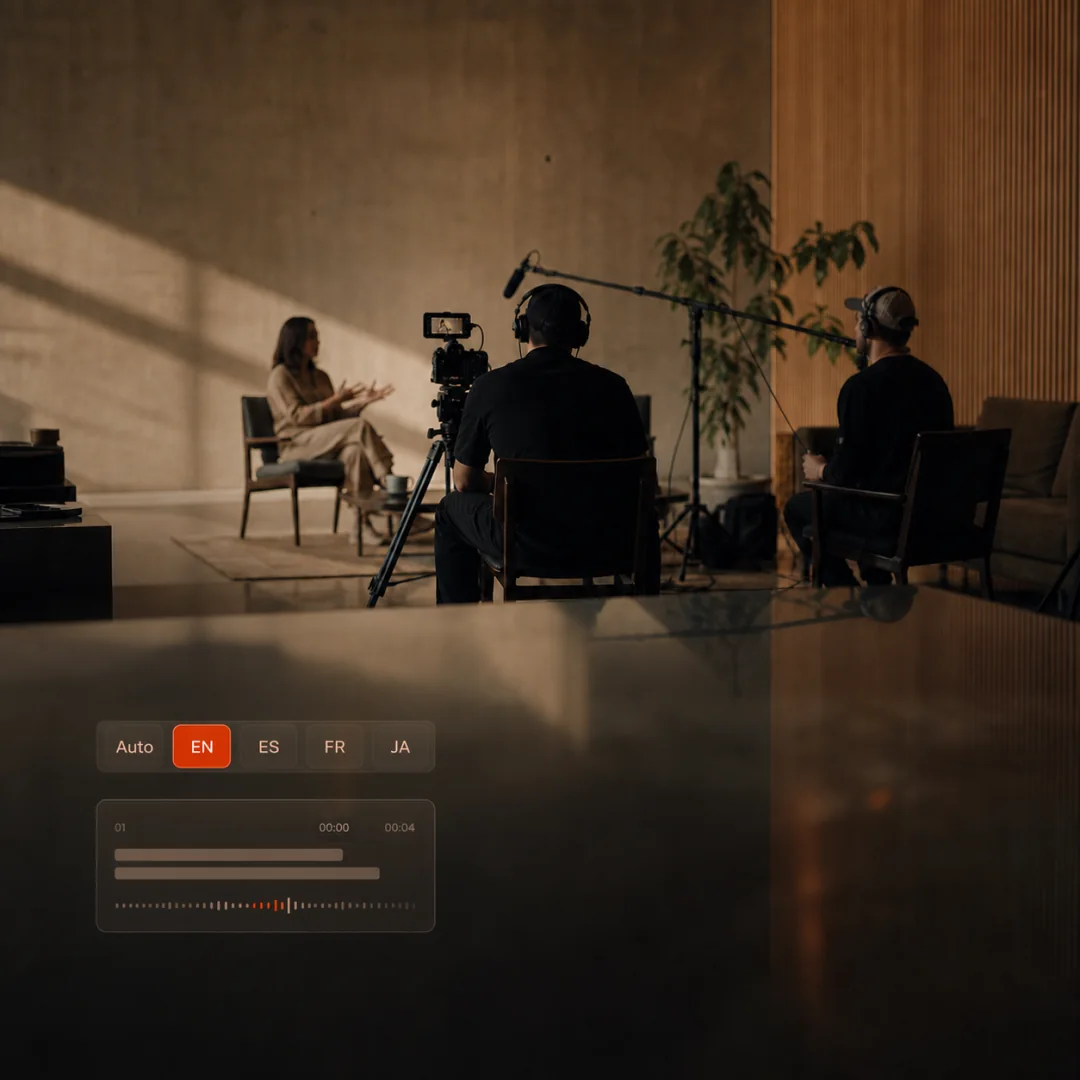
A creator selecting a spoken language while preparing timed subtitles for a video
Review the cues before the file leaves your workflow.

Why add subtitles to Bilibili videos?

Subtitles help viewers follow a video in sound-off situations and make spoken content easier to understand for people who are deaf or hard of hearing. They can also make a creator's ideas more approachable to viewers who read along while listening.

When the wording and timing are reviewed before submission, captions are a useful part of a dependable publishing workflow rather than an afterthought.

  • Make dialogue easier to follow without sound.
  • Improve accessibility for viewers who rely on text.
  • Keep names, terminology, and timing under creator control.
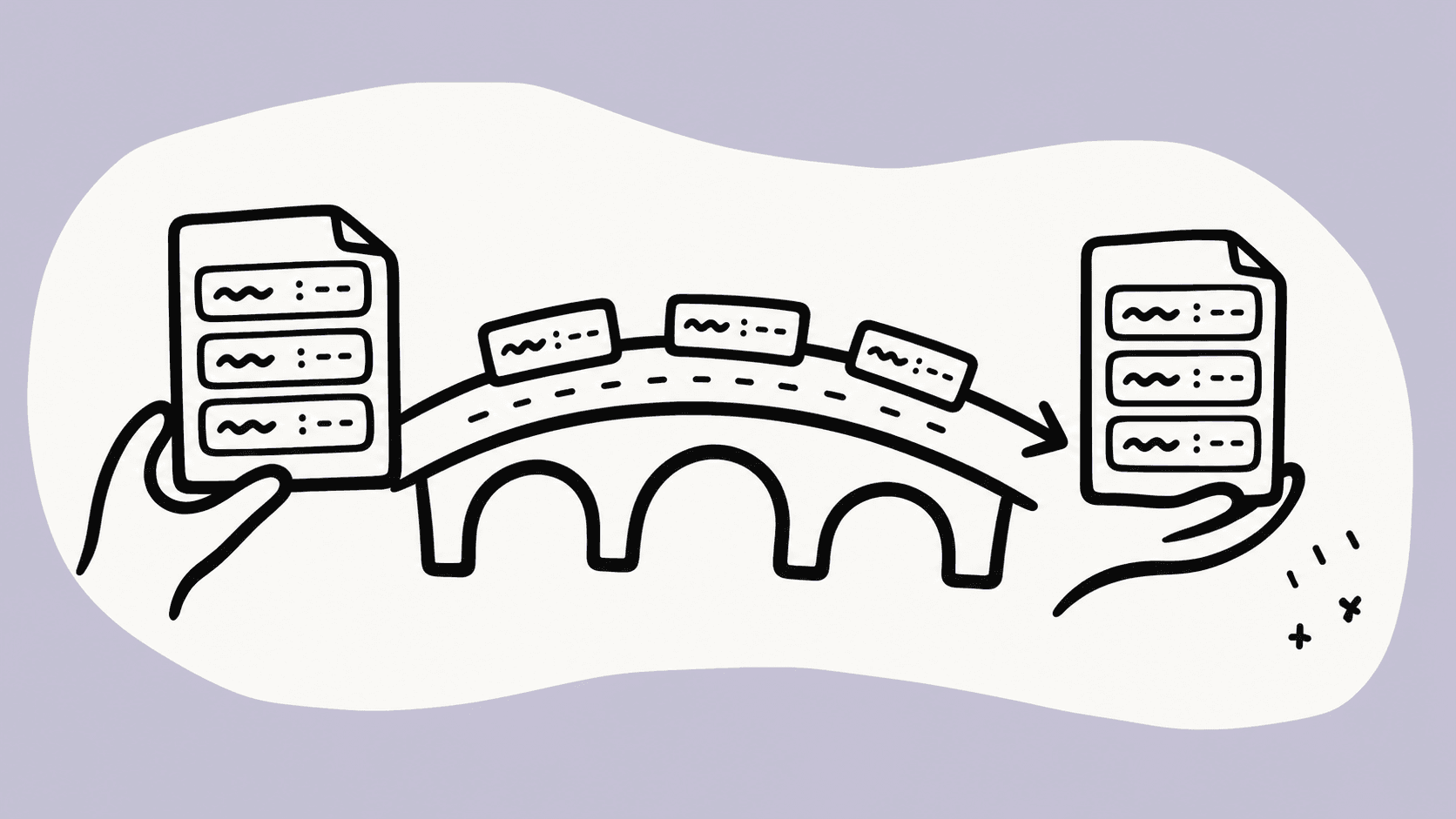
Create a clean Bilibili subtitle file with Whisper Web

Whisper Web turns an authorized audio or video file into timed source-language cues in the browser. The same page keeps language choice, cue editing, and file export together, so you can fix the transcript before it leaves your device in free mode.

The result is a reviewed SRT or VTT file. Before submission, check the file types and controls displayed by the current Bilibili creator workflow available for your account and video.

  • Choose a spoken language or Auto detect.
  • Edit cue text and start/end times before download.
  • Export SRT or VTT without an account connection.

Platform hand-off evidence

Check the subtitle workflow available to your Bilibili account

Public Bilibili-hosted guidance shows that subtitle submission workflows have existed, but the accessible guidance is historical and does not establish today's accepted file types for every account or video. Use the controls currently shown in your own creator workspace as the final authority.

Current Bilibili hand-off

  1. 1Download the reviewed SRT or VTT file from Whisper Web.
  2. 2Open the Bilibili creator workspace for a video you own or manage.
  3. 3Look for the subtitle or caption management entry currently available for that video.
  4. 4Choose the subtitle language and inspect the uploader's accepted file types before selecting a file.
  5. 5Review the cues and use the draft, review, or submission action actually shown by Bilibili.

File compatibility

SRT
AvailableCheck current uploader

Do not assume SRT is accepted until it appears in the file chooser or current Bilibili guidance for your account.

VTT
AvailableCheck current uploader

VTT is useful for web players, but this page does not claim universal Bilibili upload support.

Verified product facts

Prepare the file you control

Whisper Web handles subtitle generation and editing. The platform account and final publishing decision stay with you.

Free mode stays local

Supported free media is decoded and transcribed in your browser. Pro cloud processing is a separate, explicit workflow.

Choose the spoken language

Select the source language or use Auto detect. The generated cues stay in the language spoken in the media.

Edit before you export

Review cue text and timing, then download SRT or VTT from Whisper Web. Check the destination platform's currently accepted format before submission.

Questions before publishing?

Frequently asked questions

Can I paste any Bilibili URL?

No. Whisper Web accepts a local file or a direct public media-file URL that the browser can fetch. A normal Bilibili video, space, or channel URL is not a supported importer. Use media you own or are authorized to use.

Which subtitle file should I prepare for Bilibili?

Whisper Web exports SRT and VTT. Before submission, check the file types displayed by the subtitle uploader currently available for your Bilibili account and video; this page does not claim universal acceptance of either format.

Can Whisper Web submit subtitles to my Bilibili account?

No. Whisper Web creates and downloads the timed subtitle file. You submit it manually through the creator tools available for your account, so there is no account connection or automatic publishing step.

Why might I not see a subtitle upload option in Bilibili?

Availability can depend on account permissions, region, video type, publication state, and the creator interface currently enabled for you. Whisper Web cannot enable or change those Bilibili controls.

Can I edit subtitles before downloading them?

Yes. After generation, review cue text and start/end times in the subtitle editor. Export only after the cue data is valid and ready for your manual Bilibili submission.

Create your Bilibili subtitle file

Start with an authorized media file, review the timed cues, and export a subtitle file ready for the creator workflow available to you.