Allow microphone access
Choose Start recording and allow your browser to use the microphone. Speak for a moment and check that the waveform moves.
Record from your microphone, listen back, then save the audio or turn it into text.
Microphone
Ready to record
Recording stays on this device
Choose Start recording and allow your browser to use the microphone. Speak for a moment and check that the waveform moves.
Pause during breaks and resume in the same recording. When you are finished, stop and play back the audio.
Save a WAV copy of your recording. For written notes, choose Transcribe recording to open the file in the transcription workflow.
Speak an idea while it is fresh. Save the audio to listen back later, or turn it into a note you can edit and search.
Record a short take and listen for pacing, room noise and mic distance before you record a longer version.
With permission, capture the conversation through your microphone. Keep a WAV copy for reference while you review the transcript.
Load a short sample to see the recording result. Play it back, download the WAV, or open it for transcription.
Sample recording
Open your browser’s site settings and check that microphone access is allowed. Check the selected input, then start another recording and watch the waveform.
It records the microphone selected by your browser. To transcribe a recording you already have, open Audio to Text and choose the file.
Choose Download audio to save a WAV file. If you need a smaller MP3 for sharing, use the audio-to-MP3 converter.
Use a browser that supports microphone recording. Keep the page open while you record, and download the result before closing it.
Recording, listening and downloading use your device. For transcription, Free mode processes eligible files locally. The optional Unlimited cloud workflow uploads the file you select.
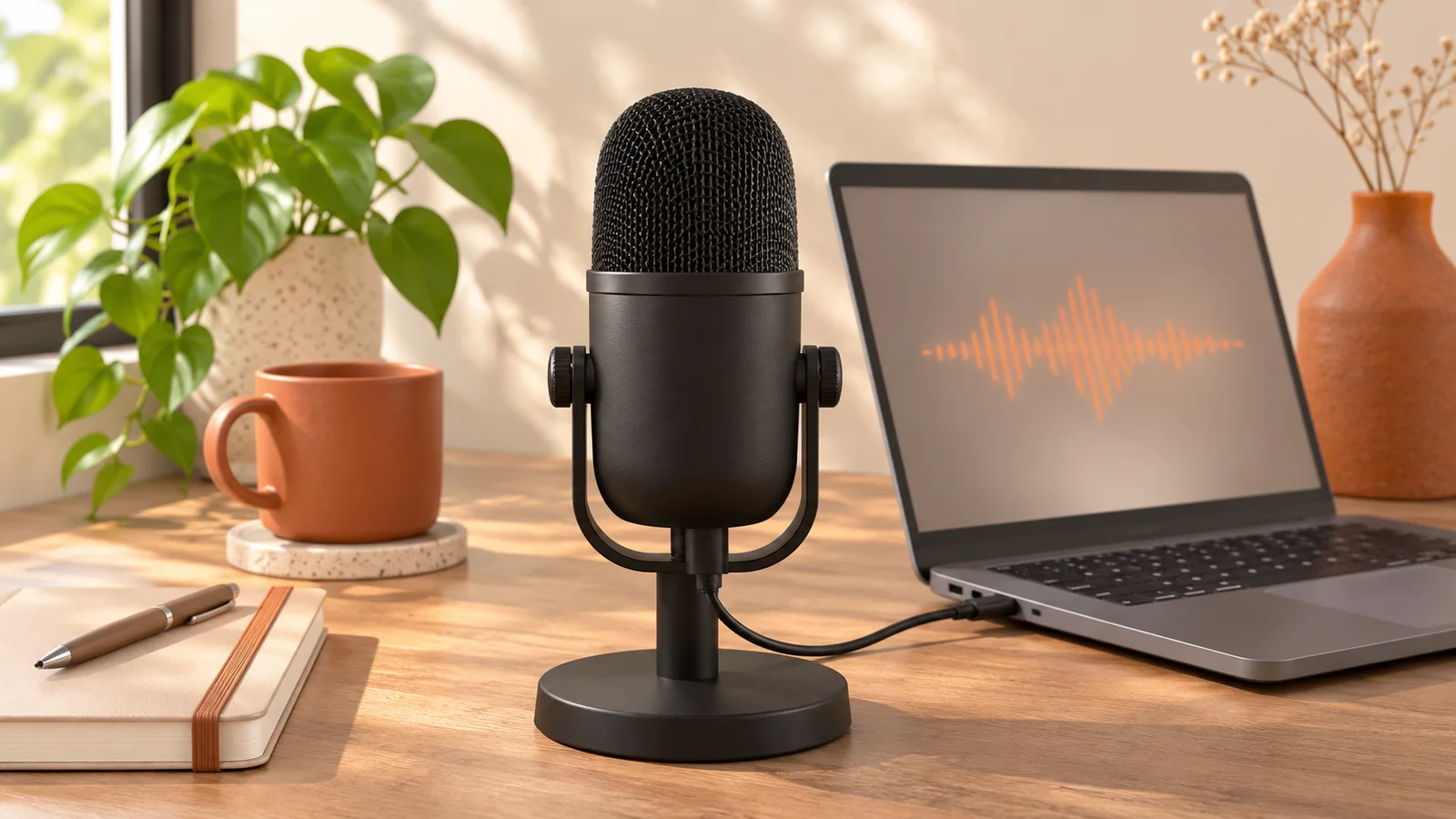
Use your microphone to record audio online, run a quick sound check, and save the result as WAV. Includes fixes for quiet audio and microphone permissions.

Turn voice memos into clean notes without a heavy cloud workspace. Learn a practical private workflow for recording, transcribing, editing, and exporting voice notes.

Want to transcribe audio without uploading it first? This practical guide shows how to turn sensitive recordings into text locally in your browser, with less friction and more control.