



About Free YouTube Video Downloader
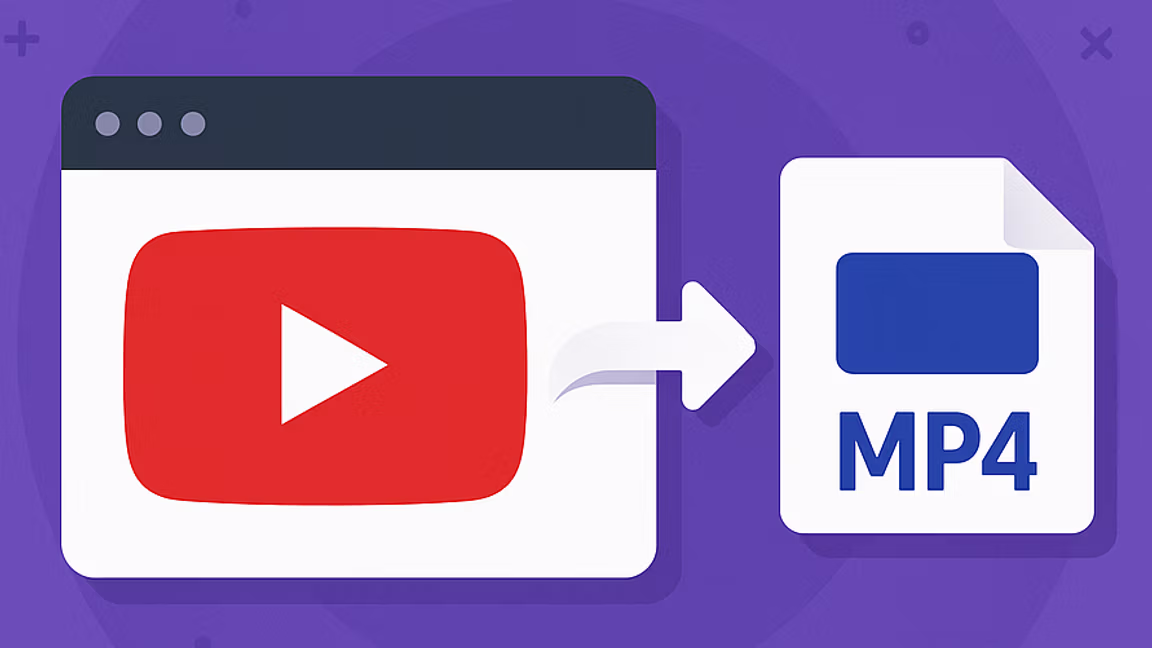
YouTube is where most of the videos you actually want to keep live — lectures you want to study offline, tutorials you want to follow step-by-step, creator uploads that might vanish tomorrow. Whisper Web's free YouTube video downloader exists so downloading YouTube videos is as simple as copying a link. No signup, no installer, no watermark stamped across the result, no queue. Paste, pick a quality, download — the YouTube video is yours.
The YouTube video downloader runs entirely in your browser and returns every video stream YouTube exposes for a given URL. That usually means a full resolution ladder — 144p for low-bandwidth mobile, 240p and 360p and 480p for quick saves, 720p and 1080p Full HD for normal viewing, plus 1440p (2K) and 2160p (4K) where the creator uploaded their YouTube video at that quality. Formats include MP4 (the default for playing YouTube videos), WebM (smaller files at the same quality, good for archiving YouTube videos you want to keep), and audio-only M4A when you only need the soundtrack. Regular YouTube videos, YouTube Shorts, and live-stream VODs all work through the same paste-and-download flow.
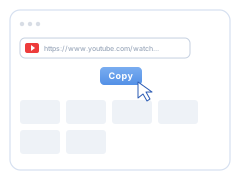
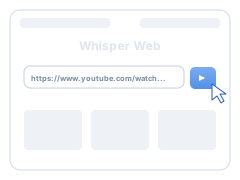
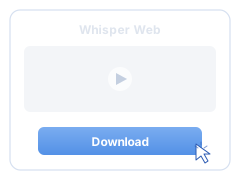
The workflow is three steps, every time. Copy the YouTube video URL from the browser address bar or the Share button. Paste it into the field above and hit Download. Pick the resolution and format you want from the list that appears — your YouTube videos download straight to your device. No account to set up, no extension to install, no confirmation email.
MP4 is the default format for downloading YouTube videos because almost every playback surface already understands it — phones, laptops, smart TVs, projectors, editing timelines, presentation software. WebM is available for archive-sized YouTube videos at the same quality. The downloader itself runs on anything with a modern browser: Windows, macOS, Linux, ChromeOS, iPhone, iPad, and Android phones and tablets — Chrome, Firefox, Safari, Edge, Opera, Brave, and Arc are all supported. No app, no extension, no operating-system lock-in.
This fits the people who treat YouTube as a reference library, not a feed. Students downloading course YouTube videos and lecture playlists for offline study. Researchers preserving source YouTube videos for citation before they get taken down. Creators pulling reference clips from other YouTube videos into their own edits. Travelers loading a watch-later list of YouTube videos onto a device before a long flight. Teachers building offline classroom libraries of YouTube videos. A single paste-and-click workflow covers every YouTube video download — Shorts included.
The piece no other free YouTube video downloader offers: once the YouTube video is on your device, drop it into your Whisper Web Dashboard and generate an accurate transcript in seconds. Your downloaded YouTube videos become searchable text — quote-ready, subtitle-ready, translation-ready. A lecture video turns into study notes. A tutorial video turns into a checklist. A podcast video turns into blog material. A meeting recording turns into a searchable archive. The download gives you the YouTube video file; the transcription gives you the words underneath it.
Whether you're downloading a single 4K YouTube video for offline playback, archiving a creator's catalog of YouTube videos before they disappear, or stockpiling reference YouTube videos for a project, this tool puts the YouTube video — and the transcript, if you want it — in front of you in just a few clicks.